
Voice process documentation means explaining how work gets done out loud, then turning that explanation into a structured, searchable process that anyone on the team can follow. It works because people can talk through a task far faster and more completely than they can write it up, and the "unless" and "except when" moments that matter most come out naturally in speech. Kept is built around exactly this: you describe the work in your own words, guided questions draw out the exceptions and the reasoning, and the result is organized, cited and ready to retrieve.
TL;DR
- Voice is the fastest way to get a process out of someone's head, especially the judgment calls that rarely make it into written steps.
- A transcript is raw material. A usable process document still needs an owner, a clear structure, the exceptions, and a check by someone who has never done the task.
- The best voice sessions are guided: follow-up questions such as "what do you do when that field is empty?" are what surface the real logic.
- Keep documents alive with a named owner and a review rhythm, so the process people follow matches the work people do.
- Kept lets individuals and teams document work conversationally, with opt-in participation and workspace-level access controls.
Table of Contents
- What voice process documentation actually is
- Why talking beats typing for most processes
- Voice alone is not enough: what a good process document contains
- How to document a process by voice: a step-by-step routine
- What a spoken session looks like
- Different readers, different payoffs
- Keeping the documentation current
- Document first, then automate
- Our perspective
- Try it with your own team
- FAQ
- Sources
What voice process documentation actually is
Process documentation is a written record of how a task or project gets done: the steps, who is responsible for each one (usually by role), and what a good result looks like. Teams often call the finished set a single source of truth, because it sets expectations and keeps work consistent as people come and go.
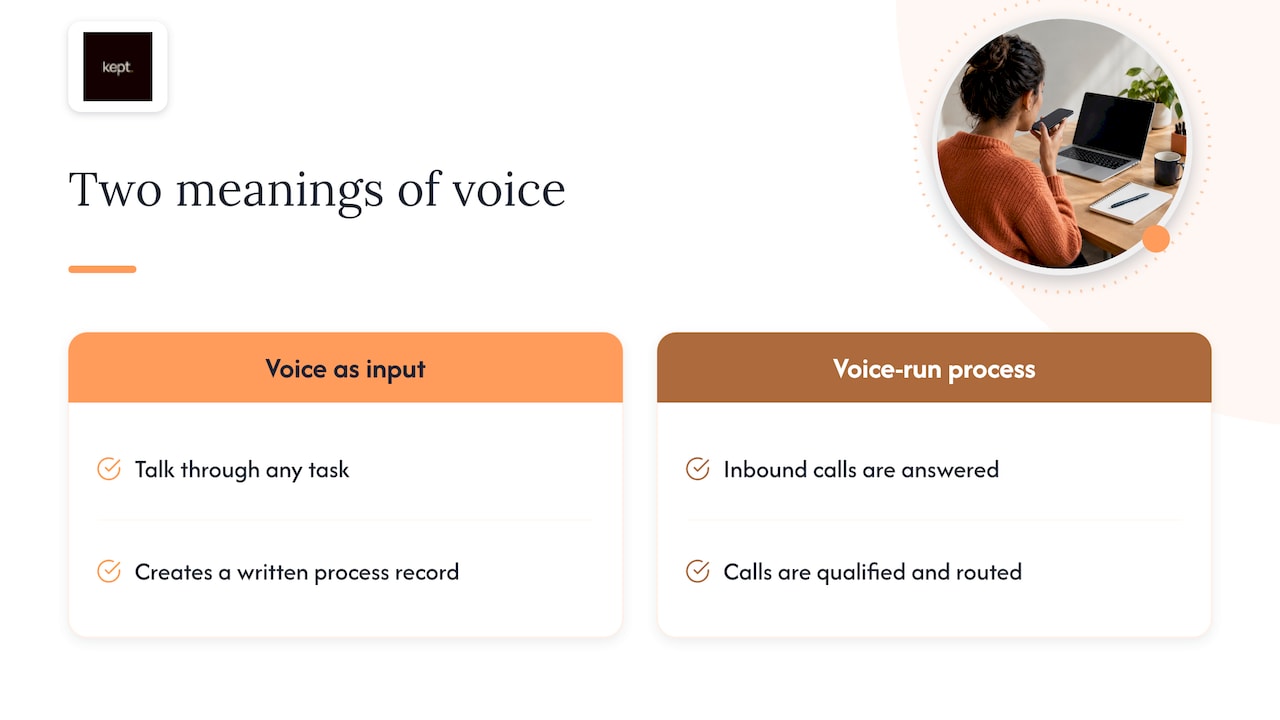
The "voice" part describes how the information gets into that record. Instead of opening a blank page and typing numbered steps, the person who does the work talks it through. Someone in accounts payable explains how an invoice is approved. A shift lead describes how a customer complaint is escalated. A recruiter walks through what happens between an accepted offer and a first day.
That sounds simple, and it is. The difficulty is in what happens after the talking. Spoken explanations wander, skip steps that feel obvious, and mix the standard path with the exceptions. Good voice process documentation is the discipline of keeping what is valuable in speech (the reasons, the edge cases, the vocabulary people really use) while ending up with something structured enough to follow on a busy Tuesday.
There is a second meaning worth separating out. Some businesses want to document processes that run by voice, such as how inbound calls are answered, qualified and routed. That is a legitimate subject too, and automated call handling is one example of a workflow that benefits from being written down before it is configured: AI voice agents for inbound and outbound calls show how many decisions a single phone conversation contains. The rest of this article is about the first meaning: using voice as the way you document any process.
Why talking beats typing for most processes
Writing a process from scratch asks people to do two hard things at once: remember what they do, and organize it for a stranger. Most skilled people are good at the first and out of practice at the second. The usual result is a thin document that lists the happy path and leaves out everything the person quietly handles without thinking.
Speaking changes the dynamic in four ways.
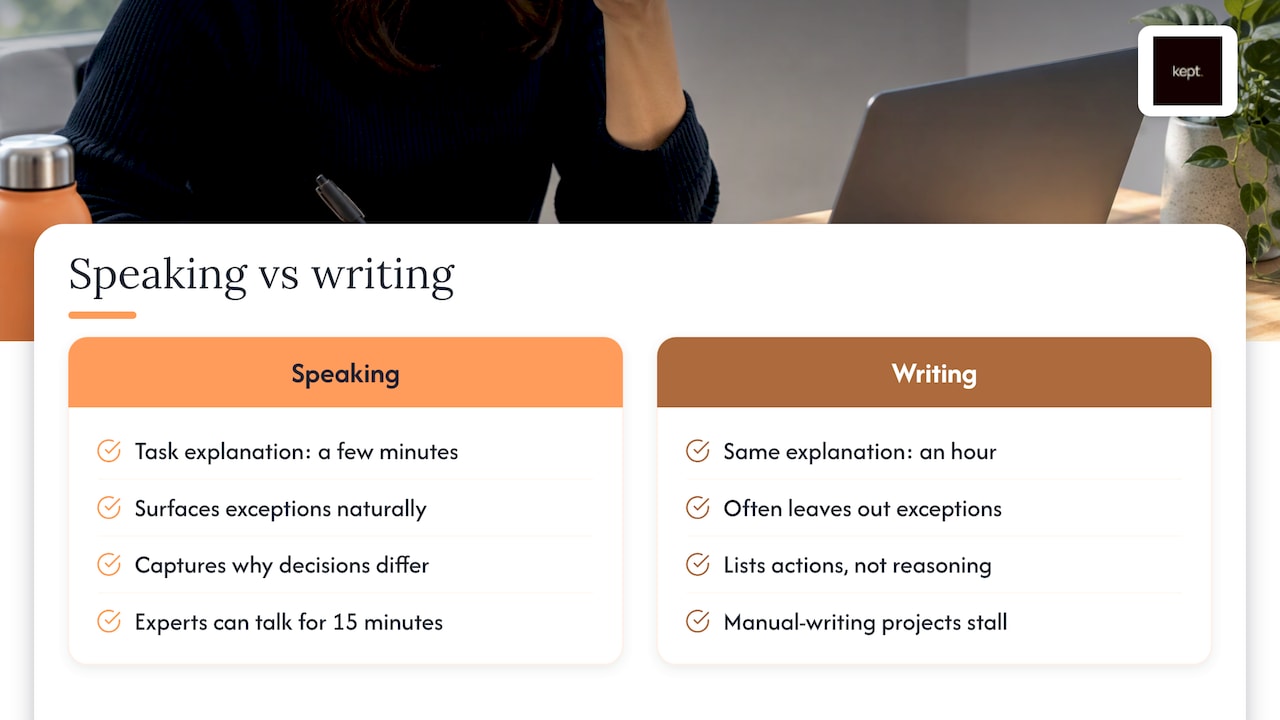
It is faster. Explaining a task out loud takes a few minutes. Writing the same explanation properly can take an hour, which is why documentation projects stall.
It surfaces the exceptions. When people explain a process to a listener, the words "usually", "unless" and "except when" appear on their own. Those sentences hold the hidden decisions: when to bend the rule, who to call, which customer gets different handling. A written template with empty boxes rarely prompts them.
It captures reasoning, not just actions. A step list tells a new hire what to click. The spoken explanation tells them why this client is handled differently, which is what lets them make the right call the next time something unusual shows up.
It lowers the barrier for the people who know the most. Your most experienced people are often your busiest and least likely to sit down to write a manual. Asking them to talk for fifteen minutes is a request they can say yes to.
Voice alone is not enough: what a good process document contains
A recording or a transcript is not yet a process document. To be useful to someone unfamiliar with the work, the finished record needs a consistent shape. A process description guide from the Netherlands lays out a practical template: process name, purpose, owner, inputs, steps, outputs, links to related material, measures, risks and records. Its worked example, a quotation process, runs from registering the customer request through a site survey, estimating, checking, sending the quotation and following up.
The same guidance suggests a document should answer a handful of plain questions:
- Why does this process exist?
- Who owns it, and who performs each part?
- What does it need before it can start?
- What happens, and in what order?
- Where do decisions or deadlines apply?
- What output is expected?
- How are success, risk and exceptions handled?
Notice how well these questions suit a spoken session. "Why does this exist?" and "what do you do when it goes wrong?" are conversation openers. If your voice sessions are built around them, the transcript maps almost directly onto the document.
The guide also draws a useful line between an end-to-end process description and a work instruction, which explains a single action in detail. A quotation process, for instance, can point to several separate work instructions. In practice, this means one voice session might produce one process overview and three or four short instructions, each easier to find and update than one giant document.
If you want a ready-made field list, our process documentation template guide walks through the fields and an example.
How to document a process by voice: a step-by-step routine
Here is a routine that works whether you use a recorder, a call, or a conversational platform. Each step names where it tends to go wrong.
1. Pick one workflow, not a department
Choose a single repeatable workflow with a clear start and end: "onboarding a new vendor", not "finance". Documentation organized around individual workflows rather than broad topics is easier to find and easier to update, which is the approach Scoro's operations handbook guide recommends.
Where it goes wrong: starting with a topic so wide that the session turns into a tour of the whole company.
2. Choose the right voice
The best narrator is the person who does the task regularly, not the person who supervises it. Supervisors know the official version. The person doing the work knows the real one. When several people perform the same process, bring in more than one voice, because the differences between them are valuable information. A 2025 guide from Business Process Management Experts recommends workshops when multiple stakeholders perform a process, so participants can surface variations and agree on the shared approach.
Where it goes wrong: documenting only the version your manager believes is happening.
3. Narrate while doing the work, if you can
Walking through the task in the actual system or at the actual desk keeps people honest. They remember the extra click, the spreadsheet they check first, the person they message. Explaining from memory in a meeting room tends to skip all of that.
Use sentences that will make sense later on paper: "The process starts when a request arrives." "If this field is blank, I stop and ask the account owner." Clear trigger phrases make the transcript far easier to structure.
Where it goes wrong: vague pronouns and pointing at the screen ("then I click here") that mean nothing to a reader.
4. Ask the exception questions
This is the step that separates useful documentation from a list of obvious steps. After the main path, ask:
- What happens when this goes wrong?
- When do you do it differently, and why?
- Who do you check with, and about what?
- What would a new person most likely get wrong?
A guided approach is especially valuable here. In Kept, guided interviews are designed to document exactly these exceptions and the reasoning behind them, so the person talking is prompted for the judgment calls instead of having to remember to volunteer them. Our piece on capturing decisions, not steps goes deeper on why this matters.
Where it goes wrong: ending the session when the happy path ends.
5. Turn the transcript into structure
Sort what was said into the fields above: purpose, owner, inputs, steps, decisions, outputs, exceptions. Keep uncertainty visible. If the narrator was unsure who approves a particular step, write "approver to be confirmed" instead of guessing. A confident-looking error is worse than an honest gap.
Where it goes wrong: tidying the transcript so thoroughly that the reasoning disappears. Keep the "because" sentences.
6. Test it with someone who has never done the task
The Netherlands guide describes a good process description as one that is auditable and followable by someone unfamiliar with the work. The only way to know is to hand it to a newcomer and watch where they stall. Scoro's guide similarly suggests testing a draft with participants and at least one person who did not help create it.
Where it goes wrong: asking the author to proofread their own steps. They will read what they meant, not what is written.
7. Name an owner and publish
Every process needs a person accountable for keeping it current. We cover that below, because it is where most documentation efforts quietly fail.
What a spoken session looks like
Here is a short illustration of the kind of exchange that produces a good record. It is a sketch of the pattern, not a transcript from a real company.
Guide: Walk me through what happens when a purchase request comes in.
Process owner: I check the amount first. Under a set limit, I approve it myself.
Guide: And over the limit?
Process owner: It goes to the department head. Unless it's a renewal, then finance has already signed off, so I just confirm the contract hasn't changed.
Guide: What if the contract has changed?
Process owner: Then it's treated as new. I flag it and start over.
In three short answers, the conversation produced a threshold, a routing rule, an exception (renewals), a condition on that exception (contract unchanged) and a fallback. Someone typing steps would likely have written "check amount, route for approval" and stopped. That gap is what new hires fall into during their first month.
Different readers, different payoffs
How you use the result depends on what you are trying to fix.
Team leaders retaining critical knowledge. If one person holds the real know-how for a process, a voice session is a low-effort way to get it recorded before a vacation, promotion or departure makes it urgent.
HR and onboarding. New hires ask the same questions in their first weeks. A searchable record of how work is done, with the reasons attached, lets them answer many of those questions themselves, and frees managers from relaying the same context all day.
Project managers. When you can see how a process runs, including where different people do the same job differently, you can oversee it with facts instead of assumptions. Our guide to making process mapping work covers workshop steps and decision capture.
Enterprise teams with complex workflows. The volume and the number of variations are the challenge. Workspace-level access controls and the ability to export maps matter at that scale; see our overview of AI process mapping with BPMN export.
Keeping the documentation current
A process document starts aging the day it is published. Tools change, roles shift, customers behave differently. Three habits keep it useful.
Assign an owner. The Business Process Management Experts guide recommends giving a process owner accountability for maintenance and validating drafts with the people who perform the work. Scoro's 2026 guide adds that owners should be close enough to understand the work and senior enough to influence it.
Set a review rhythm. Decide per process how often it is revalidated. One process management approach described in the BPM Experts guide defaults to six months; pick the interval that fits how fast each process changes.
Watch for triggers. Recurring questions from staff, a change to your software stack, or a role transition are all signals to revisit a workflow. For practical advice on standards and ownership for technical material, this overview of keeping documentation current is a good companion.
If your processes change often or need to stand up to audits, four things that make change documentation audit-ready lays out what to record.
Document first, then automate
A common temptation is to automate a process as soon as it feels painful. The risk is automating the official version while people continue to work the real one. Voice sessions reveal the real one. Documenting first gives you something accurate to automate, and tells you which exceptions a rule-based automation will need to handle. We explore the trade-off in document vs. automate.
Our perspective
Most knowledge tools start from the documents a company has already written. That is useful, but it misses the most valuable layer: the reasons. Leaders hold the why. Managers hold the judgment calls. The people doing the work hold the how. Today those three live apart, and the context that connects them gets lost every time it passes between people.
That is why we think voice is the right way in. Talking is natural, and a good question at the right moment brings out the exception nobody thought to write down. In Kept, people describe work in their own words, and guided conversations help them explain what they do, why, and when that way applies. We link that to the systems and numbers the work touches, so the company can see where people do the same job differently and decide what becomes its own way.
Taking part is each person's choice. Nothing a team says is used to train AI. The goal is a company that knows more the longer it runs, and people who feel supported by that, not watched by it.
Anthony
Try it with your own team
If you want to move from scattered know-how to a connected record, Kept offers two plans: kept for you, for individual professionals, and kept for business, for team workspaces with access controls and opt-in capture, review and deletion. You can see both on the Kept pricing page, and start with one workflow your team asks about most.
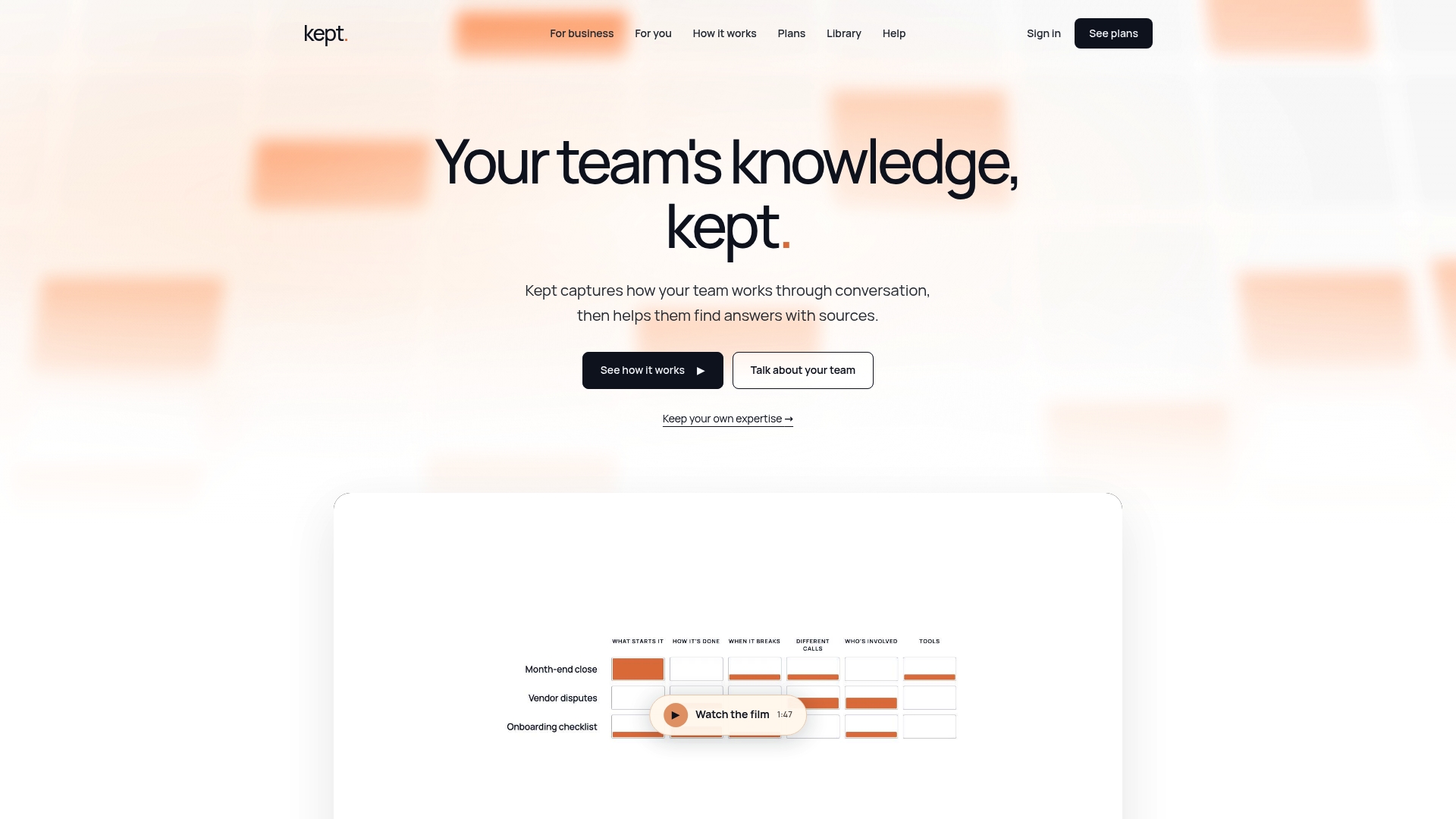
For a closer look at how conversational documentation fits your team, visit Kept.
FAQ
Can I just record a meeting and call it documentation?
A recording is a good start, but it is not yet a process. Someone needs to organize it into purpose, owner, steps, decisions and exceptions, and test it with a person new to the task. Guided questions during the session make that organizing step far easier.
How long should a voice session be?
For a single workflow, a focused session of 15 to 30 minutes is usually enough to cover the main path and the exceptions. If it runs much longer, the workflow is probably too broad and should be split into a process overview and separate work instructions.
What is the difference between a process description and a work instruction?
A process description covers a process from start to finish: why it exists, who owns it, the steps, outputs and risks. A work instruction explains one action within it in detail. A quotation process, for example, can refer to several separate work instructions.
Who should be asked to talk through a process?
The people who do the work regularly. When several people perform the same process, include more than one, since the differences between how they work are what a team needs to see before deciding on a shared approach. Participation should always be their choice.
How often should voice-based process documents be reviewed?
Set a review interval for each process and name an owner responsible for it. Six months is one common default, and changes to your tools, recurring staff questions or role changes are good reasons to review sooner.
Sources
- Writing a process description: example and template
- Best Practices in Business Process Documentation
- How to Build an Ops Handbook in 9 Easy Steps