
AI process mapping converts text, files, and recordings into structured, editable diagrams, validated against modeling standards rather than sketched by hand. Use it when a process touches multiple roles, when someone with critical context is leaving, or when audit and compliance teams need documentation that traces back to its source. The rest of this guide walks through how the technology works, what to look for in a tool, and how to keep the resulting maps accurate as your operation changes.
TL;DR:
- Guided discovery process mapping captures more roles, triggers, and exceptions through iterative questioning, reducing missing information compared to single-prompt methods.
- Structural validation ensures maps are free of orphan nodes, unreachable steps, and inconsistent gateways, improving accuracy before automation deployment.
- Export formats like BPMN 2.0, XML, SVG, and PDF support various use cases, but traceability back to source material is critical for verification.
- To select a tool, prioritize guided elicitation, standards support, versioning, input coverage, and governance controls, not just visual appeal.
- Regularly update and review process maps to prevent them from becoming outdated, integrating mapping into daily workflows and system syncs.
Table of Contents
- How AI Process Mapping Actually Works
- What To Look For In AI Mapping Tools
- How to Choose the Right AI Process Mapping Approach
- Who Benefits Most From AI Process Mapping
- Keeping Process Maps Alive Instead of Outdated
- Why Conversational Capture Beats the Static Diagram
- Try Kept Before Your Next Handoff
- Sources
- FAQ
How AI Process Mapping Actually Works
Most people picture a single input for process mapping: someone types a paragraph, and a flowchart appears. That's the entry-level version. The more useful systems accept a wider range of raw material, because process knowledge rarely lives in one format.
A capable AI process mapping tool should ingest text descriptions, meeting notes, spreadsheets, PDFs, existing SOPs, code repositories, screenshots, and increasingly, audio or video recordings of someone walking through their work. That range matters because the person who actually knows a process rarely writes it down cleanly. They talk about it in a Slack thread, mention an exception on a call, or leave the real logic buried in a script nobody has touched in two years.

Single-prompt generation vs. guided discovery. Feed a tool one paragraph and it will produce a diagram fast. It will also miss things. Guided-discovery approaches ask targeted follow-up questions, surfacing roles, triggers, and failure modes the initial description skipped, which reduces the number of missing exception paths compared with a single generated pass. If a process has a "what happens when the customer cancels mid-cycle" branch that only exists in someone's head, a single prompt won't find it. A guided interview usually will, because it asks.
That distinction shows up directly in reviewer workload. A single-prompt diagram often looks complete and isn't, so a reviewer has to reverse-engineer what's missing. A guided-discovery map arrives closer to correct because the exceptions got asked about during creation, not discovered during a later audit.
Structural validation catches what eyeballing misses. Before a map ships, it should pass structural checks: no orphan nodes floating disconnected from the flow, no unreachable steps a process could never actually get to, and consistent gateway logic so decision points don't dead-end. Checkers that flag orphaned tasks, unreachable gateways, and inconsistent lane assignments cut down on downstream automation errors and reviewer rework, which is the whole point of validating structure before anyone builds on top of it.
Typical outputs include:
- Visual diagrams you can edit directly on a canvas, not just view
- BPMN 2.0-compliant files for handoff to automation or workflow engines
- XML for structured re-import and version control
- SVG and PDF exports for documentation, wikis, and audit packets
Pro Tip: Ask any tool you're evaluating whether it preserves element-to-source traceability, meaning you can click a step on the diagram and see exactly which sentence, transcript line, or document it came from. Without that link, verifying a machine-generated map means re-interviewing the person who gave you the information in the first place.
Lightweight text-to-diagram tools like Mermaid work well for quick drafts and version-controlled documentation, but production process maps that feed automation generally need more than a code snippet. That's where programmatic diagramming libraries like Schematex come in, producing deterministic, styled output from structured input rather than a hand-tuned sketch. Visualization layers built on something like Apache ECharts add the interactive drill-down that static exports can't.
What To Look For In AI Mapping Tools
Vendor demos tend to look impressive in the first five minutes and reveal their limits by minute twenty. Here's what separates a tool that will hold up under real use from one that just renders a nice-looking chart.
- Guided elicitation, not just generation. The tool should ask iterative questions that pull out roles, triggers, and exceptions, rather than accepting one input and calling it done.
- Standards support and export fidelity. BPMN 2.0 compliance matters if the map needs to feed automation tooling, and exports should carry element-to-source traceability so reviewers can verify each step.
- An editable canvas with real versioning. You should be able to adjust a generated map by hand and have that revision tracked, not overwritten silently on the next sync.
- Broad input coverage and integrations. Look for support for files, code, and audio, plus connections to the documentation, code repositories, and cloud storage your team already uses.
- Templates, style locking, and governance controls. Consistent visual language across maps, plus access permissions and deletion controls, matter more once you're past a pilot and into department-wide use.
The governance piece gets overlooked constantly. Teams evaluate tools on how good the diagram looks and forget to ask who can edit it later, whether changes require sign-off, and what happens to a captured interview if the person who gave it wants it deleted. Those questions matter more once dozens of people across a company start relying on the same map.
Pro Tip: During a demo, ask the vendor to intentionally leave out a key exception when describing a process, then watch whether the tool catches the gap through a follow-up question or just generates a confident, incomplete diagram. That single test tells you more than the sales deck will.
How to Choose the Right AI Process Mapping Approach
Selecting a tool comes down to matching its actual capabilities against how the map will be used later, not just how clean it looks in a demo.
Run every shortlist candidate through these evaluation criteria:
- Accuracy and validation: Does it run structural checks automatically, or is validation left entirely to the human reviewer?
- Input coverage: Can it work from the formats your team actually has, not just clean typed descriptions?
- Export formats: Does it produce BPMN 2.0, XML, SVG, and PDF, or lock you into one proprietary format?
- Traceability: Can a reviewer trace any diagram element back to the exact source text or transcript line it came from?
- Governance: Who can access, edit, or delete a captured process, and is there a review or sign-off step?
- Security and data residency: Where is captured data stored, and does that meet your compliance requirements?
- Pricing model: Is it seat-based, workspace-based, or usage-based, and does that scale sensibly for your team size?
Bring a short list of pointed questions into every demo:
- "Show me structural validation catching a broken gateway in real time."
- "Walk me through traceability from this diagram node back to the source."
- "What does version rollback look like if a reviewer rejects a change?"
- "Where is our data stored, and can we delete a captured interview entirely?"
Watch for red flags that predict trouble later: no standards export option, no versioning history, or a tool that only supports single-prompt generation with no guided follow-up. Those gaps don't show up in a five-minute demo, but they show up fast once a real team starts depending on the output.
Before committing to a company-wide rollout, run a pilot. Pick three to five representative processes, ideally ones with known exceptions or edge cases your team already argues about. Measure time saved versus manual documentation, how much validation effort the reviewer needed, and whether the people whose knowledge got captured feel the map actually reflects how they work. That last measure gets skipped constantly, and it's the one that predicts whether anyone will trust the map in six months.
Who Benefits Most From AI Process Mapping
The teams that get the most value from this technology are the ones sitting on documentation debt they've been putting off for years, not the ones with a single clean process to diagram.
Common use cases include:
- Onboarding and SOP capture: turning a new hire's ramp-up from tribal knowledge transfer into a structured, reviewable document.
- Handoff documentation: capturing exactly what a departing employee knows before that knowledge walks out the door.
- Incident response runbooks: mapping what actually happens during an outage, including the improvised steps nobody wrote down.
- Compliance audits: producing traceable, versioned process documentation an auditor can verify against source material.
- Pre-automation discovery: mapping a process accurately before anyone tries to automate it, since automating a poorly understood process just automates the confusion.
Operations teams tend to see the fastest returns because they're managing the highest volume of repeatable, cross-functional processes. Engineering teams benefit heavily during onboarding, when a new hire needs to understand not just what the code does but why certain decisions got made along the way. Customer success and RevOps teams use process maps to standardize handoffs between reps, closing the gaps that show up when one person's informal workaround never made it into training material. Compliance teams get the most durable value, because a traceable, versioned map holds up under audit scrutiny in a way a static SOP document never could.
Keeping Process Maps Alive Instead of Outdated
A process map that stops getting updated the week after it's created is worse than useless. It looks authoritative while being wrong, which is a more dangerous failure mode than having no documentation at all.
Treat mapping as a habit built into how work already happens, not a one-time project:
- Record meetings and handoffs directly, and run lightweight guided interviews during role transitions rather than waiting for a formal documentation sprint.
- Assign reviewer sign-off on every material change, so updates go through someone who can catch an error before it spreads.
- Set access controls that match who actually needs to see or edit a given process, especially for anything touching compliance or security.
- Sync maps with systems of record where possible, so the diagram updates automatically as system behavior changes rather than drifting out of sync silently.
- Train subject matter experts and reviewers on how to frame answers during a guided interview, since a vague answer produces a vague map regardless of how good the tool is.
Process mapping as a living discipline works best when it's wired into the workflow or orchestration layer itself, so diagrams update as the underlying system changes instead of becoming stale the moment they're published.
Pro Tip: Set a recurring quarterly review trigger for any process map tied to compliance or onboarding. A map that's technically accurate but eighteen months old is exactly the kind of gap an auditor will find before you do.
Why Conversational Capture Beats the Static Diagram
Most process documentation captures the steps and drops the reasoning. A written SOP says what to do; it rarely explains what to do when the customer doesn't fit the standard case, because the person who knew that exception never got asked. Kept's own analysis of this gap makes the point directly: documentation typically records what people do, not how they decide.
That's the piece conversational capture is built to recover. Instead of asking someone to write a document, Kept interviews them, in their own words, and turns that conversation into a structured workflow that preserves context most static tools throw away. When someone leaves a role, the steps they followed usually survive somewhere. The judgment calls that made them good at the job often don't, and that's what actually walks out the door when nobody captured it first.
Guided conversation maps naturally onto BPMN elements: a question about "what happens if the client says no" becomes a gateway; an answer describing a handoff becomes a lane transition. That mapping gives reviewers less guesswork and gives new hires documentation that reflects how the work actually happens.
— Anthony
Try Kept Before Your Next Handoff
Some platforms turn the conversations you're already having about how work gets done into structured, reusable knowledge, rather than leaving that knowledge in someone's head until they leave. Some are built around guided interviews that capture not just the steps in a process but the exceptions and reasoning behind them, with workspace controls that let a team decide exactly who can see, edit, or delete what gets captured.
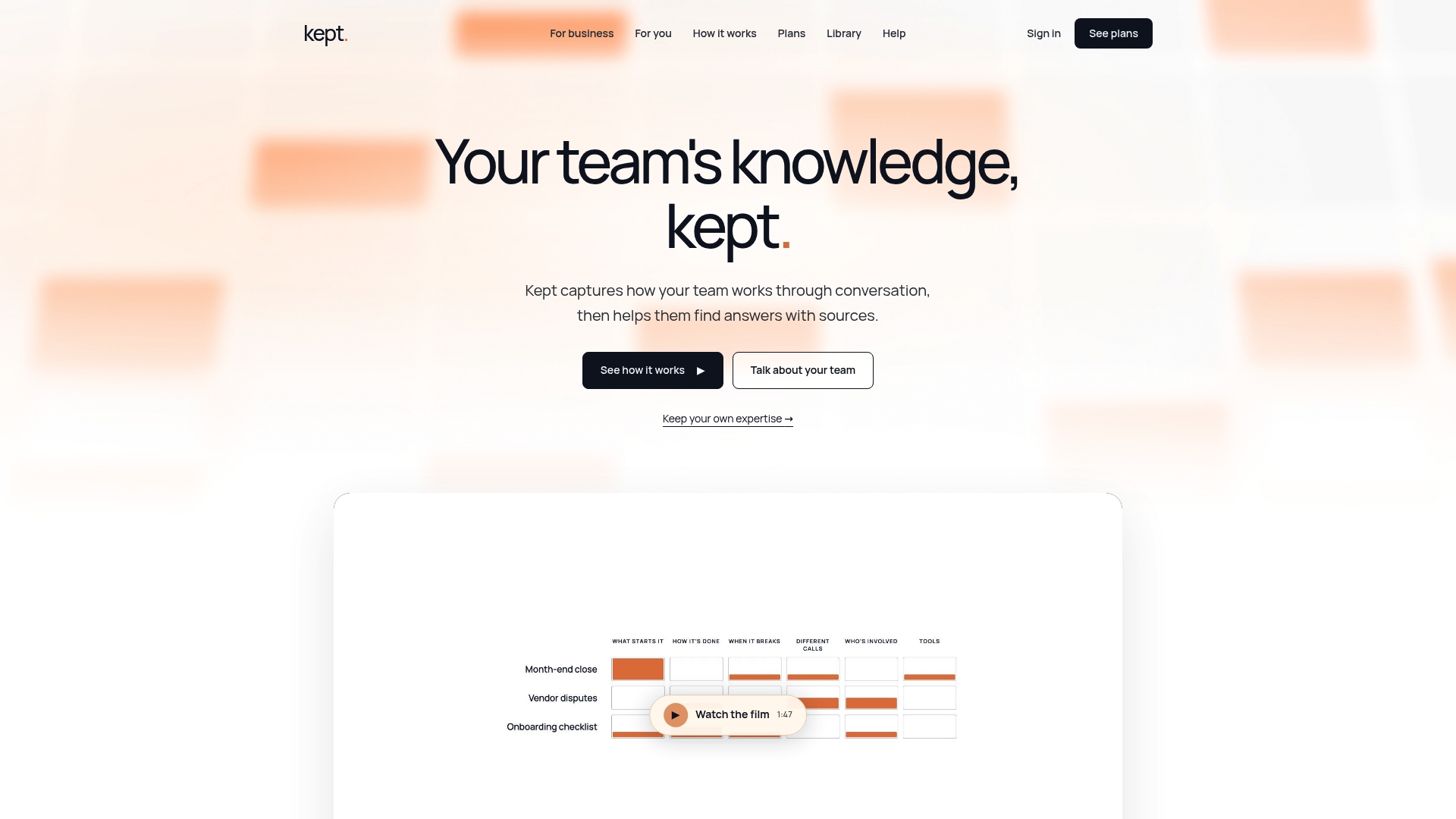
If you're managing a team, Kept for Business is where to start, particularly if onboarding time or knowledge loss during turnover has been a recurring headache. Individual professionals who want to document their own expertise before rolling it out to a team can start with Kept for You. Either way, current plan details and pricing are available on the Kept pricing page, and the upcoming live session on September 15 is a low-commitment way to see the guided-interview approach in action before committing to a pilot.
Sources
For deeper context on the tools and ideas referenced above: Mermaid for text-to-diagram basics, Schematex for programmatic diagram generation, and Apache ECharts for interactive visualization layers. On the workplace-diagnostics side, Carozo offers a structured logbook approach worth comparing against guided-capture workflows.
FAQ
What Is The Best AI Tool For Process Mapping?
There's no single best tool. It depends on whether you need quick text-to-diagram drafts, which lightweight tools like Mermaid handle well, or a guided-discovery platform that captures exceptions and decision logic through conversation, which is where Kept focuses. Match the tool to whether you need a quick sketch or an auditable, traceable process document.
What Is The Best Microsoft Tool To Create A Process Map?
Microsoft Visio remains the standard Microsoft tool for manual flowchart and process diagram creation, with built-in BPMN-style shapes and integration into the Microsoft productivity ecosystem. It doesn't include AI-driven guided discovery, so teams that need automatic capture from meetings or interviews typically pair it with or replace it with a dedicated AI process mapping platform.
What Is The Best App To Create A Process Map?
The right app depends on input type and output needs: code-first teams often prefer text-to-diagram tools like Mermaid, while teams documenting tacit knowledge from interviews benefit more from conversational capture platforms that generate BPMN-compliant maps with source traceability. Look for one that exports the formats your downstream tools require, whether that's XML, SVG, or PDF.
What Is An Example Of Process Mapping?
A common example is an employee onboarding workflow, mapped from the first day through system access, training milestones, and sign-off from a manager. A more complex example is a customer support escalation process, which typically includes decision gateways for severity level, routing rules, and exception paths for cases that don't fit the standard script.
How Much Does Kept Cost?
Kept offers both a personal plan, Kept for You, and a team-based plan, Kept for Business, with pricing available directly on the Kept pricing page. Exact costs depend on plan type and team size, so current rates are listed on the site rather than fixed here.