
A chat is where the real reasoning happens: why a step exists, which exception applies, who signed off. Documentation is where that reasoning should live, so the next person does not have to ask again. The fastest way to convert one into the other is to stop treating the chat as a file to export and start treating it as raw material to structure: what was decided, why, when it applies, who owns it. That is the idea behind Kept, where people describe their work in their own words and the conversation becomes organized, searchable and cited documentation.
TL;DR
- A transcript is not documentation. Documentation keeps the facts, decisions, rationale, owner and date, and drops the side chatter.
- Work in five moves: set the purpose, pick the home, extract, build the page, then link it so people can find it.
- Clean every converted page before sharing: names, private links and pasted credentials often hide in the details.
- One-off exports (copy, print, download) are fine for a single thread but lose structure. Teams need the structure.
- A page stays useful only if someone reviews it. Put an owner and a review date on it from day one.
Table of Contents
- Why a chat log is not documentation yet
- What a good conversion keeps
- A five-step workflow to convert chat into documentation
- Clean it before you share it
- If you only need a one-off export
- Keeping converted documentation accurate
- Our perspective
- From conversation to a company's own knowledge base
- FAQ
- Sources
Why a chat log is not documentation yet
A raw chat has three problems when you treat it as a finished record.
It is ordered by time, not by meaning. The answer to a question may sit forty messages after the question, with a correction in between. A new hire reading it top to bottom has to rebuild the story.
It mixes signal and noise. Greetings, tangents, abandoned ideas and the final answer all carry equal weight on the page.
It has no owner or status. Nobody can tell whether the advice is current, who to ask about it, or whether it was ever approved.
This matters most to the people who carry context all day: managers who relay it up and down, team leads who are the only ones who know the exceptions, and HR teams who answer the same onboarding questions every cohort. Their knowledge is usually spoken or typed in passing. Converting it into documentation means giving it structure, not just a new file extension.
What a good conversion keeps
Before you move anything, decide what kind of page the conversation should become. The shape of the page follows the shape of the conversation.
| If the chat was... | Turn it into... | Keep |
|---|---|---|
| A question answered once, likely to be asked again | A short how-to or FAQ entry | The question, the answer, the assumptions, who it applies to |
| A debate that ended in a choice | A decision record | The options considered, the reasons, open objections, who approved |
| A walkthrough of how a task really gets done | A process page | Steps, exceptions, the reason behind each judgment call, the systems involved |
| A troubleshooting thread | A fix note | The environment, what was tried, what finally worked |
| A research exchange | A short report | The findings, source links and the dates you checked them |
Two details separate useful pages from forgettable ones.
First, keep the why. Steps alone tell someone what to do on a good day. The reasoning tells them what to do when the situation does not match the steps. Our guide to what to record beyond the steps goes deeper on this, and our process documentation examples show how exceptions are written down.
Second, keep corrections. If someone said one thing at message ten and corrected it at message thirty, the page must carry the corrected version, ideally with a note on what changed. Otherwise you publish the mistake with a clean format.
A five-step workflow to convert chat into documentation
OpenAI publishes a workflow for turning conversations into structured pages that runs in five steps: clarify the purpose and audience, choose the right database or template, extract facts, decisions, actions and rationale, create or update the page with properties such as title, tags, owner, status and dates, then link it from hub pages with a summary or changelog. It is a sound skeleton for any team. Here is how each step plays out in practice, and where it tends to go wrong.

Step 1: Name the purpose and the reader
Ask one question before touching the transcript: who will read this, and what will they do with it? An onboarding page for a new support rep needs plain steps and the common exceptions. A decision record for leadership needs the alternatives and the owner.
Where it goes wrong: people skip this and produce a summary of the chat instead of a page for a reader. The result is accurate and unusable.
Step 2: Choose the home before you write
A page with no home becomes an orphan. Decide the workspace, the section and the template first, so the page lands next to related work. In Kept, a business workspace has team-based sharing with workspace-level access controls, so the people who need a page can find it and the people who should not see it cannot.
Where it goes wrong: dumping everything into one shared folder. Search returns forty near-duplicates and people stop trusting it.
Step 3: Extract facts, decisions, actions and rationale
Read the conversation once for each of four things:
- Facts: what is true, with the source.
- Decisions: what was chosen and by whom.
- Actions: what must happen next, and who owns it.
- Rationale: why this choice, and when it would not apply.
The fourth is the one that rarely survives. It is also the one that saves the most time later.
Where it goes wrong: copying the confident sentences and leaving out the hesitation. The hesitation is often the exception. If two people on the team do the same job differently, that difference belongs on the page.
This is the step where a conversational platform earns its keep. Kept supports guided interviews that draw out exceptions and reasoning, so the person describing the work is asked the follow-up question a good colleague would ask. Here is the kind of exchange we mean:
June: You said refunds over a certain amount need approval. Is that always true?
You: Not for repeat customers on annual plans. The regional lead handles those directly.
June: Got it. I'll add that as an exception, with the regional lead as the owner.
That three-line exchange produces something a transcript never would: a rule, an exception and an owner, linked together.
Step 4: Build the page with properties
Give every page a title, an owner, a status, a date and tags. Those five fields are what make a page searchable and maintainable. Add a one-paragraph summary at the top, then the body.
For anything that includes code, commands or figures, check them against the real thing before the page is shared. A chat answer that looked right can still be wrong in the details.
Where it goes wrong: leaving off the owner. A page without an owner is a page nobody updates.
Step 5: Link it and log the change
Connect the new page from the hub pages people already visit, and add a line to a changelog. If the page records a choice, also add it to your decision log so the history of why things changed is in one place. For teams that document decisions made in chat, this guide to decision support practices is a useful companion on how founders weigh and record choices.
Where it goes wrong: treating publication as the end. Without links, new pages do not get found; without a changelog, readers cannot tell what is current.
Clean it before you share it
Conversations are informal, and informal text carries things you would never put in a handbook: customer names, private links, passwords pasted for convenience, offhand opinions about colleagues. A page that looks harmless can still repeat them.
A short pass before sharing:
- Search the finished page for names, emails, links, keys and tokens, not just the visible text.
- Remove or generalize anything personal that the reader does not need.
- Mark any omission that could change how the page is read, for example a section you left out because it was off topic.
- Open the finished page on its own, away from the chat, and confirm that links work, tables line up and corrections made it in.
- Store it with a date and a version.
Privacy is also about consent. In Kept, capture is opt-in, and people can review and delete what they have contributed. Taking part is each person's choice, and nothing a team says is used to train AI. Our practical guide to AI documentation ethics covers how to set those expectations with a team before you start.
If you only need a one-off export
Sometimes you just need one thread in a file. The manual options are simple, and each has a trade-off. A walkthrough of manual export methods describes three:
- Copy and paste works for short conversations but can lose code blocks, headings and links.
- Print to PDF keeps the layout, but the result is not editable and page breaks can split code blocks.
- Account-wide data export emails an archive of all conversations in JSON and HTML, with no option for a single thread.
All three give you a copy of the conversation. None gives you a page with an owner, a status, a summary or links to related work. That is fine for a personal note. For anything a team will rely on, the structured route in the five steps above is the one that holds up, and it is what Kept is built for.
If your team also wants to connect operational data to chat-driven work, a guide to linking a CRM to a chat assistant outlines what to consider on the data side. Kept itself connects to the systems you already use, so the context in a conversation can be linked to the work it affects.
Keeping converted documentation accurate
The conversion is the easy part. The harder part is the third month, when processes change and the page does not.
Give each page an owner and a review rhythm. Quarterly works for stable processes, sooner for fast-moving ones. The owner does not have to rewrite it, only confirm it or flag it.
Use answers that point back to the page. Context-aware search with citation-backed answers lets a reader see which page an answer came from. When an answer is wrong, you know exactly which page to fix.
Let new conversations update old pages. When a manager explains a changed rule to a new hire, that explanation should update the page, not sit in a chat. Every conversation and connected system adds to what Kept holds, so the page improves as the work changes.
Use it for onboarding first. New hires ask the questions a page should already answer, so the gaps show up fast. Our guides on AI for HR onboarding and piloting onboarding documentation in four to eight weeks lay out how to start small. For support teams, the AI knowledge base guide shows the same approach applied to help-desk answers.

Start with three to five processes. Pick the ones people ask about most, or the ones held by one person. Our guide to a personal knowledge workspace shows how a team lead can do this alone before rolling it out.
Our perspective
Most teams we talk with already have the knowledge. It is in chats, in calls and in the heads of the two or three people everyone asks. The problem is that the systems hold the numbers, the people hold the reasons, and nothing holds both.
That is why we do not think of this as exporting a chat. A saved transcript still leaves the reasoning buried. What a company needs is a place where each piece of work is recorded with what is done, why it is done that way, when that way applies, who does it and the evidence behind it, linked to the systems it touches.
So Kept starts with a conversation, and the conversation is guided. June asks the follow-up questions that surface exceptions and judgment calls. The company can then see where people do the same job differently and decide what becomes its own way.
We built it on choice. Taking part is up to each person, and nothing a team says is used to train AI. The result should feel like relief: questions answered, the workforce connected, the connective tissue of the company in one place.
Anthony
From conversation to a company's own knowledge base
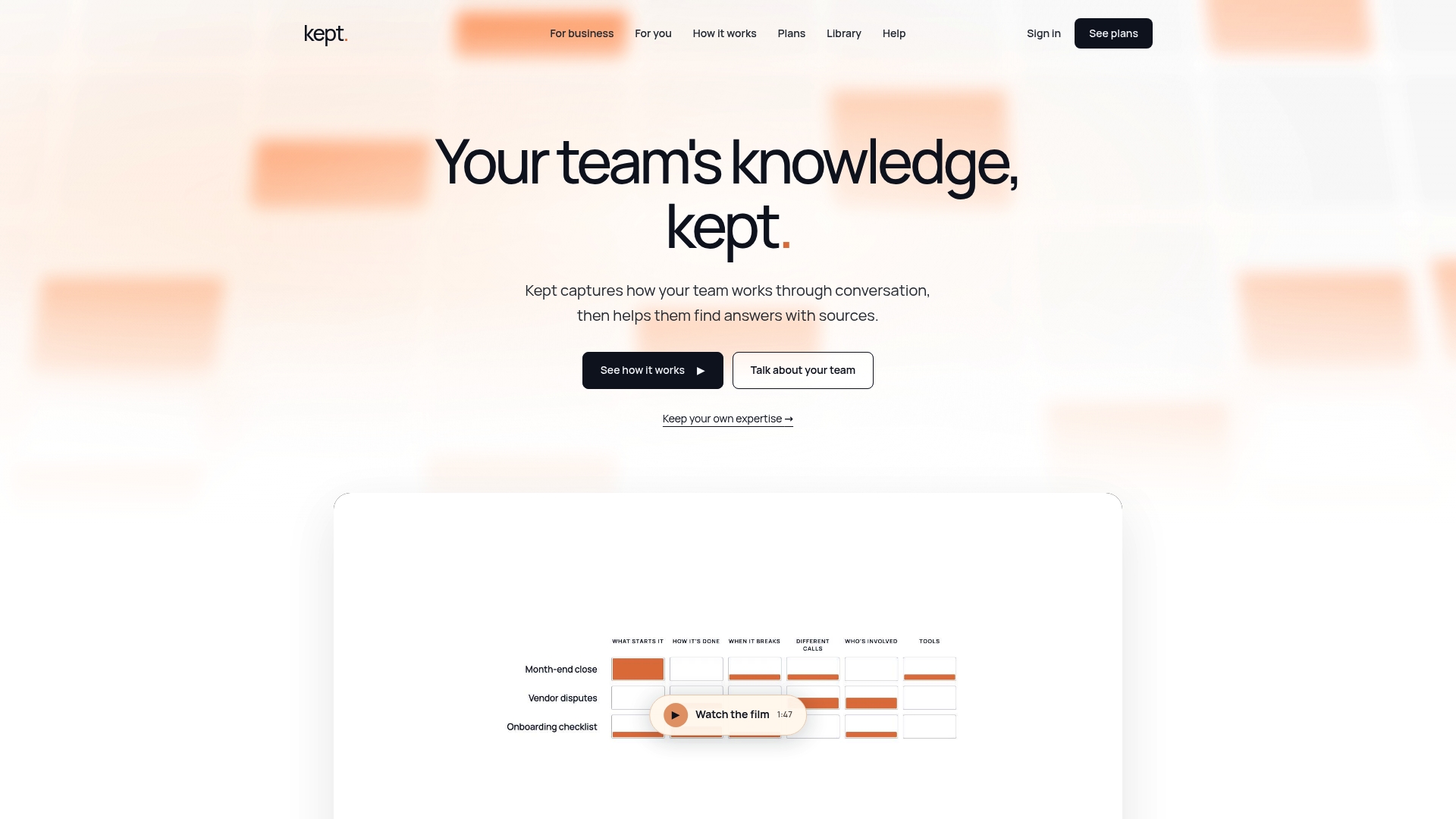
If your team's best answers still live in chat, Kept turns them into organized, searchable documentation without asking anyone to write a manual. There is a plan for individuals, kept for you, and a plan for teams, kept for business, with shared workspaces and access controls. Both are described on the pricing page, and you can see how it fits a team on the Kept for Business page.
If the pain is a single expert whose knowledge nobody else has, start with expert handoffs. That is often the fastest first win.
FAQ
Can I convert a chat to documentation automatically?
You can automate the extraction, but a person should confirm the result. In Kept, you describe the work in your own words and the platform structures it into pages you can review, correct and share. The review step keeps the page accurate.
What should I leave out when converting a team chat?
Leave out greetings, tangents, abandoned ideas and anything personal or sensitive that readers do not need, such as names, private links and credentials. Keep the decision, the reason, the owner and the date. If you omit something that could change how the page is read, note that it was left out.
What format should converted documentation be in?
Choose the format your team will actually edit and search. Markdown and word-processor files work for single documents. For shared, searchable documentation with owners and links to related pages, a workspace is a better home than loose files.
How long does it take to turn a conversation into a good page?
A short thread can become a clean page in a few minutes once you know the purpose and the template. A process with several exceptions takes longer, which is why guided questions help: they bring out the exceptions while the person is still describing the work.
Is it safe to convert private conversations into documentation?
It is when the people involved choose to take part and can review what is kept. In Kept, capture is opt-in, contributors can review and delete their contributions, and access is set at the workspace level. Always search the finished page for names and credentials before sharing it.
Sources
- OpenAI's workflow for converting conversations into structured pages
- How to export a ChatGPT conversation: the manual methods
- Entrepreneurial decision support best practices
- Connecting a CRM to a chat assistant: a buyer's guide