
Keep ephemeral notes for a few weeks to a few months, standard SOPs for several months to about a year between reviews, and critical procedures for up to several years or until a triggering event forces an update. The principle underneath all three bands is the same: archive to preserve a trace, delete only when nothing of substance would be lost, and never let a review date sit invisible inside a document nobody opens.
TL;DR:
- Retention periods should be based on how frequently processes change and the potential impact of using outdated information, with critical documents reviewed every 12 to 36 months.
- Active documents must have visible review dates and ownership information to improve compliance, with automation aiding reminders, route assignments, and soft-expiry notifications.
- Archiving preserves auditability and decision rationale for important records, while deletion is only suitable for drafts with no compliance or linkage concerns.
- Document ownership and review responsibilities should be clearly assigned to prevent retention failure, with sign-off on retirement managed by knowledge managers rather than original authors.
- Starting with a small pilot, tracking review completion, and making review dates visible in listings help most teams implement effective retention and review cycles.
Table of Contents
- Recommended Retention Bands and Review Cadence
- Document Lifecycle States for Conversational Knowledge Platforms
- Who Owns Retention, Reviews, and Retirements
- Making Review Schedules Visible and Automated
- Choosing Between Archival and Deletion
- Applying Retention Rules Inside a Conversational Documentation Platform
- A Governance Checklist and Retention Schedule Template
- What Most Teams Get Wrong About Retention
- How Kept Fits Into a Documentation Retention Plan
- Sources
- FAQ
Recommended Retention Bands and Review Cadence
Most teams overcomplicate this. You need three or four bands, not a spreadsheet of exceptions. Ephemeral documentation (meeting notes, one-off troubleshooting steps, temporary workarounds) gets reviewed every 30 to 90 days and is often just deleted at the end of that window. Standard SOPs (the procedures your team actually runs on) get a 6 to 12 month cadence. Critical procedures (anything tied to safety, compliance, or irreversible customer impact) run 12 to 36 months, but the calendar matters less than the event.
Choosing the right band comes down to three questions:
- How often does the underlying process change? Fast-changing tools or workflows push you toward the shorter bands regardless of how important the document feels.
- What happens if this document goes stale and someone follows it anyway? High-impact failure modes justify a critical band even for a document that rarely changes.
- Is anyone actually using it? Low-traffic documents can often be triaged out sooner than their assigned cadence suggests.
A handful of triggers should override the calendar entirely: an incident traced back to outdated guidance, an audit finding, a regulatory change, or a major shift in the underlying product or process. The NARA scheduling guide warns that overly flexible retention periods can drift if nobody enforces them, so a trigger list matters as much as the band itself.
Document Lifecycle States for Conversational Knowledge Platforms
A document moves through a small number of honest states, and each one should carry a different operational rule. Micro Focus describes a lifecycle of Draft, Triage, Revise, Review, Publish, and eventual Retirement or Archival, and that structure translates cleanly into conversational documentation tools.
Draft documents stay out of search results and are editable only by the author. Triage is a short holding state where a knowledge manager decides if the document is worth developing further. Active or published documents are fully searchable, with edits routed through a lightweight approval step. Review-due documents remain visible but flagged, so readers know the content might be stale. Archived or retired documents go read-only and drop out of default search, though they stay retrievable for audit purposes. Withdrawn is the strongest state: the content is marked unreliable and should never surface as an answer again.
One rule prevents a common mess: a document cannot retire while other active documents still link to it. Micro Focus notes that linkage checks should block retirement until references are updated, which stops teams from quietly breaking a chain of dependent procedures.

Who Owns Retention, Reviews, and Retirements
Retention policy fails most often from unclear ownership, not from a bad schedule. Four roles need explicit responsibility. The document owner or author is accountable for accuracy and initiates updates. The knowledge manager sets bands, tracks overdue reviews, and resolves conflicts. The reviewer or subject-matter expert validates content at each cycle, often someone other than the original author. The platform admin manages permissions, linkage rules, and archival mechanics.
Sign-off on a retirement should sit with the knowledge manager, not the original author alone, since authors tend to hold onto documents past their useful life. Review dates get updated by whoever completes the review, and orphaned documents, meaning no living owner, escalate automatically to the knowledge manager after a set grace period.
Staff turnover is the moment retention policy usually breaks down. Every departure should trigger two actions: transfer ownership of that person's documents to a named successor, and run a quick ownership audit across the whole workspace to catch anything left dangling.
Making Review Schedules Visible and Automated
Policy on paper does nothing if reviewers cannot see what is overdue. The single highest-leverage change most teams can make is putting the next-review date and the owner's name directly on the document listing, not buried in metadata. Visibility of that kind consistently improves compliance because reviewers stop having to hunt for what needs attention.
A few automations do most of the heavy lifting:
- Scheduled reminders to the owner and reviewer as a review date approaches.
- Auto-triage flags on documents with unusually low read counts, prompting an early look.
- Reviewer routing that assigns a backup when the primary reviewer is unavailable.
- Soft-expiry notifications sent before a document moves to archival, giving someone a last chance to object.
Start small. Pick a representative set of documents across your retention bands, run the workflow for several weeks, and measure two things: how many reviews were completed on time, and how many documents were actually updated versus just rubber-stamped. Expand once that pilot shows the cadence is realistic.
Pro Tip: Put the review date next to the title in every document list, not on a separate tab. People act on what they can see without clicking.
Choosing Between Archival and Deletion
Archival and deletion solve different problems, and confusing them creates the obsolescence trap: a document quietly vanishes, and nobody can explain why a decision was made a certain way six months later. The CASRAI document-control lifecycle treats retirement as a formal state that preserves history in a read-only archive rather than a quiet deletion, which keeps auditors and troubleshooters able to trace who changed what and when.
Archive when a document supports audit traceability, helps with future troubleshooting, or holds decision rationale that explains why a process works the way it does. Delete only when a document is a draft or working note with no unique substantive annotations, isn't linked from anywhere active, and carries no compliance weight. NARA guidance on records scheduling draws the same line: working papers with no unique substantive content can be safely destroyed, but drafts with meaningful annotations should be retained.
When you do archive, keep the version metadata, the identity of who changed what, and store the retired document in a read-only state rather than deleting the record entirely.

Applying Retention Rules Inside a Conversational Documentation Platform
Conversational capture changes what's possible here, because the interview format surfaces the reasoning behind a process, not just the steps. When a guided conversation asks someone why they handle an exception a certain way, that reasoning becomes part of the document itself, which makes it much easier to judge whether a piece of documentation still reflects current judgment or just an old habit.
Mapping policy to product features is mostly mechanical: a visible review field on every document, workspace-level ownership so retirements have a clear approver, opt-in capture so nothing gets recorded without consent, and read-only archival for anything retired rather than deleted outright. Kept's approach to capturing decision logic is built around exactly this gap between what a document says and how someone actually decides.
A workable pilot: pick 10 to 15 processes, assign each a retention band, and track update rates and reviewer engagement over a month before rolling the schedule out further.
A Governance Checklist and Retention Schedule Template
A retention schedule doesn't need to be complicated to be enforceable. Cover these before you launch anything:
- Define the scope: which teams, which document types, which platform.
- Set your retention bands and assign a default cadence to each.
- Name an owner for every document, not just every category.
- Decide archival rules separately from deletion rules.
- Write a short exception process for documents that don't fit a band cleanly.
- Train reviewers on what a real review looks like versus a rubber stamp.
- Run a pilot before rolling out company-wide.
A minimal template needs seven fields: document ID, title, owner, criticality, retention band, next review date, and archival action. That's enough to run a spreadsheet or populate a platform's metadata fields without over-engineering it.
Run the pilot for four to eight weeks and adjust bands based on what you actually measure, not what felt right on paper. ISO 30401 guidance is explicit that there's no single retention solution that fits every organization, so treat your first schedule as a draft.
What Most Teams Get Wrong About Retention
The obsolescence trap catches almost everyone once: a document gets quietly deleted, and three months later someone needs to know why a process worked a certain way, and the reasoning is just gone. That's the argument for a real withdrawal status instead of silent deletion. It costs almost nothing and it saves you from a much worse conversation later.
In the pilots I've seen work, the fix wasn't a better schedule. It was making review dates and ownership visible on every listing. Adoption follows visibility, not policy documents.
Three moves fix most of this fast: inventory what you have, pilot a small retention band before rolling it out everywhere, and put review dates where people can actually see them.
— Anthony
How Kept Fits Into a Documentation Retention Plan
Retention policy is only as good as the capture behind it, and that's where most tools fall short: they store what a process is, not why someone runs it that way. Guided conversations pull out that reasoning directly, so the document that ends up in review already carries the judgment calls that would otherwise disappear when the person who made them leaves.
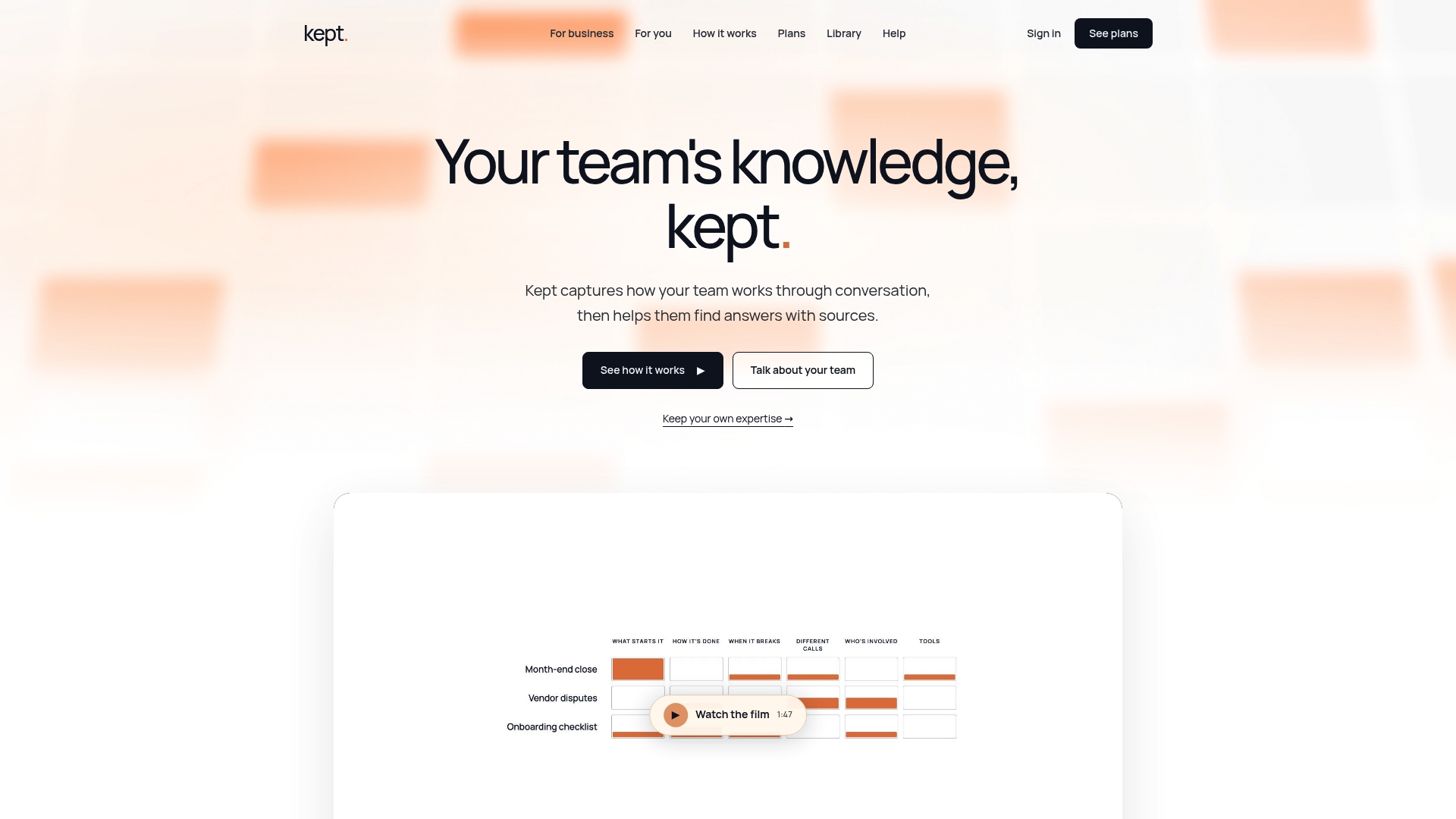
Workspace-level controls mean team knowledge and personal expertise follow different rules without either getting lost. Documents captured through conversational platforms support visible review fields, opt-in capture so nothing gets recorded without consent, and read-only archival for anything retired, which keeps the audit trail intact instead of erasing it. Teams considering a pilot can review plans on the Kept pricing page or see how a team rollout works on the Kept for Business page.
Sources
For deeper reading: ISO 30401 covers adaptive knowledge management policy, NARA's scheduling basics explain working-paper disposal, and CASRAI's document-control lifecycle details versioning and retirement practice.
- Knowledge management workflow (Micro Focus)
- Document Control Procedure: The Six-Stage Lifecycle (CASRAI)
- ISO 30401 knowledge management systems (BSI summary)
FAQ
How often should internal SOPs be reviewed?
Standard SOPs typically warrant review every 6 to 12 months, while critical procedures may need review every 12 to 36 months or immediately after a triggering event like an incident or regulatory change. The right cadence depends on how frequently the underlying process changes and how much risk stale guidance creates.
What's the difference between archiving and deleting a document?
Archiving moves a document to a read-only state that preserves its history for audit or troubleshooting purposes, which the CASRAI document-control lifecycle treats as a formal step rather than a disappearance. Deleting removes the document entirely and should be reserved for drafts or notes with no unique substantive content and no compliance value.
Who should be responsible for document retention decisions?
Retention works best when a knowledge manager sets bands and resolves conflicts, a document owner keeps content accurate, and a separate reviewer or subject-matter expert validates it at each cycle. Sign-off on retirement should sit with the knowledge manager rather than the original author, since authors often keep documents past their useful life.
Can Kept help with document retention and review cycles?
Kept supports visible review fields, workspace-level ownership, and read-only archival for retired documents, which map directly onto a retention schedule's operational needs. Guided conversational capture also surfaces the reasoning behind a process, which helps teams judge whether a document still reflects current practice before deciding to renew, archive, or retire it.
Is there one correct retention schedule every company should follow?
No single schedule fits every organization; ISO 30401 guidance recommends adapting retention policy to an organization's own context, risk tolerance, and culture rather than adopting a generic template. Start with a small pilot, measure review completion and update rates, and adjust the bands from there.