
An internal chatbot is a conversational assistant that answers employees' questions from your company's own knowledge: policies, procedures, past decisions and how-tos. To build one that works, you need five things: knowledge worth retrieving, a retrieval pipeline that cites its sources, access controls that mirror who may see what, a test set of real questions, and an owner who keeps it current. The model is the easy part. The knowledge is the hard part.
Most guides start with frameworks and vector databases. We start with what the bot will be asked and what your documents actually hold. Our view comes from years of watching procedures go stale while the real judgment stayed in people's heads.
TL;DR
- Decide the first 20 to 50 questions the bot must answer, and build only for those before you widen scope.
- A typical architecture has ingestion and chunking, a search index, hybrid retrieval, prompting and a chat layer that returns cited answers.
- Carry document titles, section paths and version data into the index, so every answer can point to its source and its date.
- Enforce permissions at retrieval time, not in the prompt, and ingest only what the bot needs.
- Test with real questions, including ones it should refuse, then assign an owner to review the knowledge on a schedule.
Table of Contents
- What an internal chatbot is for
- Prepare your knowledge before you touch a model
- The core components of an internal chatbot
- Connect your tools and control access
- Privacy and governance: ingest less, govern more
- Test accuracy before anyone relies on it
- Launch small, then keep it current
- Perspective: the bot is only as good as the judgment you capture
- Where Kept fits
- FAQ
- Sources
What an internal chatbot is for
An internal chatbot sits between your people and your documentation. A new hire asks how refunds above a certain amount get approved. A support agent asks which customers have a custom contract clause. A manager asks why a vendor was dropped two years ago.
Those are three different kinds of question, and it helps to sort them before you build anything:
- Lookup questions. The answer sits in a document: leave policy, expense limits, security training steps.
- Procedure questions. The answer is a sequence: how to onboard a client, how to close the month.
- Judgment questions. The answer is a reason or an exception: when we break the standard process, and why.
The first kind is what most tutorials solve. The second is solvable if your procedures are written down and current. The third is where internal bots usually fail, because nobody wrote the answer down. We come back to that below.
Pick the top ten questions per team. Pull them from your help channels, onboarding checklists and the questions managers answer on repeat. That list becomes your scope and, later, your test set.
Prepare your knowledge before you touch a model
A chatbot can only be as good as the material it retrieves. Before ingestion, do an honest inventory.
Audit what you have
List your sources: wiki pages, shared drives, ticket histories, SOPs, policy PDFs, onboarding decks. For each, note an owner, a last-reviewed date and whether it is still true. Duplicates and contradictory versions are the most common cause of confident wrong answers. Retire or merge them first.
If your documentation is thin, our five-layer knowledge base architecture shows how to structure it so it is usable by people and by AI.
Keep the structure the document already has
When you split documents into chunks for search, keep the context around each chunk. One internal knowledge base chatbot architecture guide recommends preserving document titles, section paths and version metadata, and cutting chunks along semantic boundaries rather than fixed lengths. In practice, that means a paragraph about "the 30-day limit" still knows it belongs to the returns policy, section 4, version 3.
A good chunk record carries:
- the document title and the heading path above the passage
- the owner and the last-reviewed date
- the version or effective date
- the audience or team it applies to
That metadata makes citations possible and lets you filter out outdated material.
Capture what was never written
Documents hold rules. People hold the exceptions and the reasoning: the threshold they quietly adjust, the step that is ceremony versus the step that is load-bearing. If a senior person leaves, that knowledge leaves with them, and no amount of retrieval engineering brings it back.
The fix is expert elicitation: ask people to explain a process the way they would to a new colleague, then probe with "what if" and "when would you not do this?" That is the idea behind guided interviews in Kept, and you can run a manual version with a recorder and a template. Our guide on turning conversations into searchable onboarding docs shows what that looks like for HR.
| What documents hold | What the person holds |
|---|---|
| The standard steps | The exceptions to those steps |
| The stated threshold | The reason it sits there, and when it flexes |
| Who approves | Who actually answers fast, and why |
| The current policy | The history of how it got that way |
The core components of an internal chatbot
The architecture is well understood. The same architecture guide describes a practical stack: ingestion and chunking, search indexes (often a vector database), hybrid retrieval, prompting, and a chat application that generates cited answers. Here is what each piece does.

Ingestion and chunking
Connectors pull content from your sources, convert it to clean text, attach metadata and split it into chunks. Re-run ingestion when sources change, or the bot will quote last year's policy.
Indexing and hybrid retrieval
Vector search finds passages with similar meaning. Keyword search finds exact terms such as product codes, policy numbers and names. Employees use both kinds of question, so combining them tends to serve you better than either alone. The underlying approach, retrieval-augmented generation, was described in the research literature as pairing a language model with a retrieval step, as covered in this systematic review of RAG systems.
Prompting and answer generation
The prompt tells the model to answer only from the retrieved passages, to cite them, and to say when the passages do not contain an answer. Treat that last instruction as a requirement, not a nicety. An internal bot that says "I could not find this" earns more trust than one that always sounds sure.
The chat layer
This is the interface: Slack, Teams, a web app. Show the sources next to every answer, with the document title, section and date. Add a thumbs up or down and a "report a wrong answer" button. That feedback is your best improvement data.
We wrote more on why citations matter in AI answers with citations and how to trust them, and on how context-aware search goes beyond keyword matching.
Connect your tools and control access
The moment the bot reads HR files, contracts or customer data, access control becomes the main design question.
Mirror permissions at retrieval
Do not rely on the prompt to hide things ("don't reveal salary data"). Filter at the index: each chunk carries the groups allowed to see it, and retrieval only returns chunks the asking user may read. If the bot never retrieves it, it cannot leak it.
Least privilege for integrations
If your chatbot can call tools, such as creating tickets or reading a CRM, the principle of least privilege applies. Guidance on enforcing least privilege for AI agents recommends runtime authorization and scoped credentials, so the agent reaches only the functions it is authorized to use. Start read-only. Add write actions one at a time, with human approval for anything irreversible.
Common attack paths
The OWASP list of risks for LLM applications includes prompt injection and sensitive information disclosure, and a summary of the OWASP Top 10 for LLM applications pairs each with controls: keep credentials in application code, validate outputs and require confirmation before irreversible actions. Review it with your security lead before launch.
Privacy and governance: ingest less, govern more
The temptation is to feed the bot everything. Resist it. One practical guide to building a governed internal AI assistant argues that "the model needs context" is not a lawful reason to ingest a full employee or customer record, and that you should limit data to what is necessary.
A workable rule: for every source, write one sentence on why the bot needs it. If you cannot, leave it out.
For a deeper look at how information escapes through chatbots, leakage paths and safeguards in chatbots walks through the routes worth closing. If you are weighing where the system runs, this overview of AI data leakage paths and private deployment covers the hosting side.
For a formal governance frame, NIST published a Generative AI Profile of its AI Risk Management Framework on July 26, 2024, to help organizations identify risks specific to generative AI and choose actions to manage them. Your legal and security teams should own the decisions on regulated data; the bot's builders should not guess.
Finally, decide retention. Conversations, logs and captured knowledge all age differently. Our piece on three retention bands for conversational documentation is a good starting point.
Test accuracy before anyone relies on it
Build a test set from the questions you collected at the start. Aim for a mix:
- Easy lookups with one clear source.
- Multi-document questions where the answer spans two policies.
- Stale-content traps where an old and a new version both exist.
- Permission checks where a user should not get an answer.
- Unanswerable questions where the right reply is "I don't know."
For each, record the expected answer and the expected source. Then score three things separately: Was the answer correct? Was the citation the right passage? Did the bot refuse when it should? Mixing these hides the real fault. A correct answer with the wrong citation means retrieval is lucky, not sound.
Have subject-matter experts, not engineers, grade the answers. They know when something is technically right but practically dangerous. Rerun the full set whenever you change chunking, the model or the prompt.
Launch small, then keep it current
Start with one team
Onboarding is a natural first use case: the questions repeat, the audience is motivated, and gaps show up fast. Our guides on piloting onboarding documentation in 4 to 8 weeks and on what to automate in onboarding and what not to go through the pilot in detail.
Give the knowledge an owner
Every source needs a named owner and a review cadence. Quarterly works for stable policies; monthly for fast-moving procedures. Surface the last-reviewed date in each citation so users can judge freshness themselves.
Watch the right signals
After launch, track:
- questions the bot could not answer (these are your documentation backlog)
- answers users flagged as wrong
- sources cited most often, and sources never cited
- repeat questions that suggest the answer is hard to find or unclear
A weekly 30-minute review of unanswered questions does more for quality than any model upgrade. Each gap becomes a task: write the doc, interview the expert, or retire the conflicting page. Teams that do this see search time fall; our support team knowledge base guide covers that process.
Perspective: the bot is only as good as the judgment you capture
We have read a lot of procedure documents that were accurate and still useless. They told you the rule. They never told you when the person who wrote it would break it.
An internal chatbot makes that gap visible, fast. Ask it a real question and it gives you the stated policy, politely cited. The employee then does what employees always did: finds the one person who knows the exception.
That is why we built Kept around conversation rather than forms. People describe a process in their own words, and guided interviews draw out the exceptions and the reasoning behind them. The result is documentation that holds context and judgment, not only steps. Workspaces are opt-in, with review and deletion controls, so people stay in charge of what they share.
Build the retrieval layer carefully. But spend at least as much time on what goes into it.
Anthony
Where Kept fits
If you want the knowledge side of an internal chatbot handled well, Kept is designed for it. It lets people capture processes in their own words, through guided interviews that document exceptions and reasoning. It structures that into searchable workflows with context-aware search and citation-backed answers, and workspace-level access controls decide who sees what.
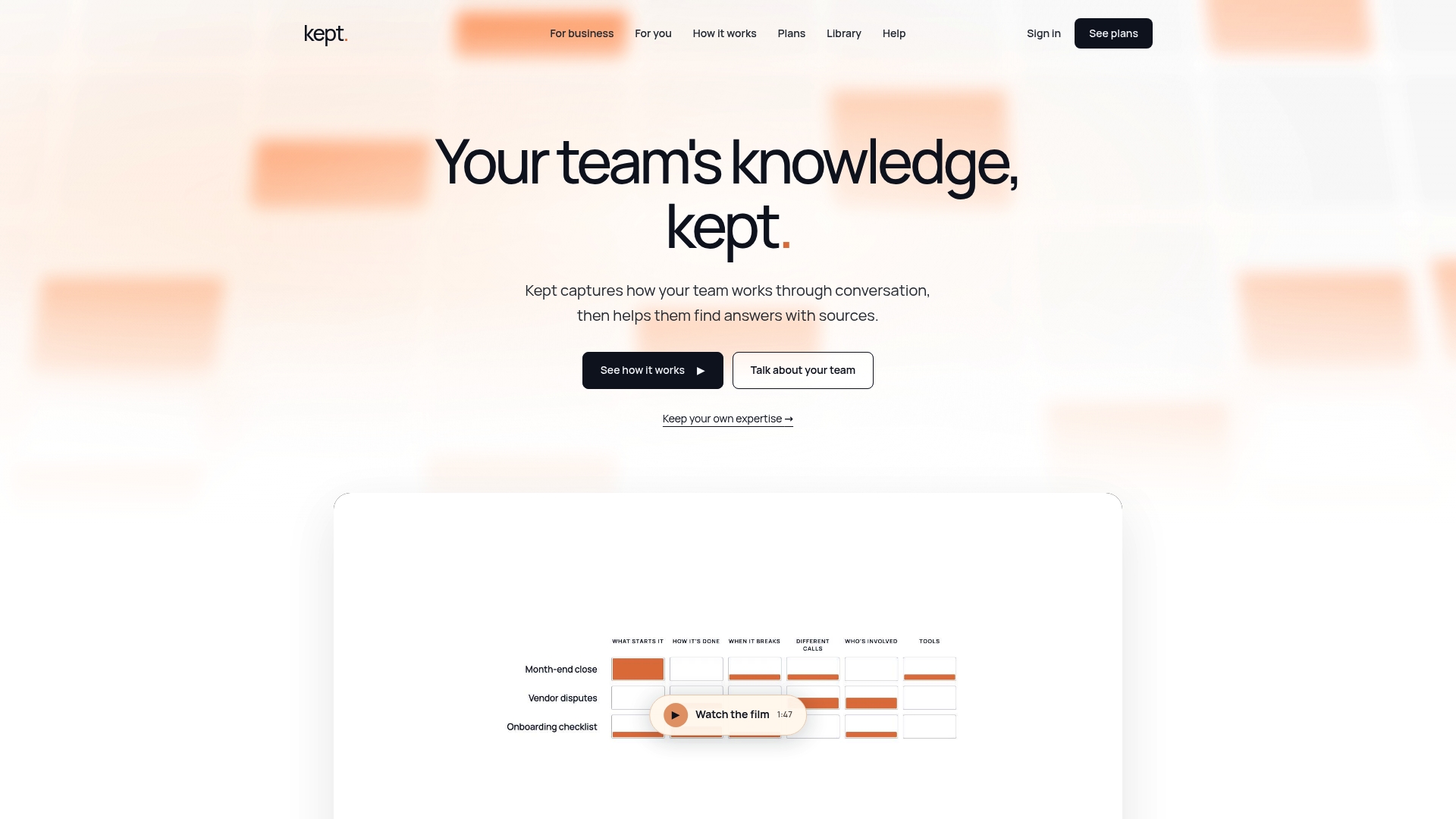
There are personal and business workspaces, with opt-in capture, review and deletion. See how Kept works in a short walkthrough, or look at the kept for you and kept for business plans to find the right fit for your team.
FAQ
How long does it take to build an internal chatbot?
A prototype over a clean set of documents can come together quickly. A trustworthy version takes longer, because most of the time goes into cleaning sources, setting permissions and building a test set. Plan a pilot with one team before you roll out company-wide.
Do I need a chatbot for my knowledge base, or just better search?
Both rest on the same foundation: well-organized, current content with good metadata. A chatbot adds direct, cited answers on top of search. Whichever you choose, the quality of the underlying knowledge decides the outcome.
How do I stop the chatbot from exposing confidential information?
Enforce permissions at retrieval so users only get passages they are allowed to read, and ingest only data you actually need. Use scoped, least-privilege credentials for any connected tool. Involve your security and legal teams for regulated data such as HR or customer records.
What should the chatbot do when it does not know?
It should say so, point to the closest sources and log the question. Those logged questions become your documentation to-do list. Instruct the model in the prompt to answer only from retrieved passages.
Sources
- Internal Knowledge Base Chatbot Architecture Guide
- How Do I Enforce Least Privilege for AI Agents Using External Tools
- How to Build a Governed Internal AI Assistant
- A Systematic Review of Key Retrieval-Augmented Generation Systems
- OWASP Top 10 for LLM Applications
- NIST AI Risk Management Framework
- Privacy in Chatbots: Risks, Leakage Paths and Safeguards