
Cross-training documentation is the written record that lets a second person do a task someone else normally owns: what the task is, how it runs, why it runs that way, who has been trained, and when that was checked. The steps alone are not enough. The part that fails most often is the reasoning behind the steps, the judgment calls that live in one person's head. Good cross-training documentation holds both, and it stays current because it is built into the work rather than written once and filed. That is the idea behind how we built Kept, and the rest of this guide shows you how to do it with or without it.
TL;DR
- Document tasks, not whole job titles. Start with the activities that would hurt most if the one person who does them were out for two weeks.
- Each record needs the steps, the inputs and outputs, the exceptions, the reasoning behind the judgment calls, and who has been trained and verified.
- A skill matrix shows where coverage is thin. SOPs and checklists carry the routine. Exceptions and reasoning are what make a backup person truly ready.
- Keep a named owner and a review date on every record, and update it when the process changes, not at the annual review.
- Some roles carry legal training-record requirements, so check those first.
Table of Contents
- What cross-training documentation is for
- Step 1: Choose what to cross-train first
- Step 2: Build a skill matrix
- Step 3: Decide what each record must contain
- Step 4: Get the knowledge out of people's heads
- Step 5: Deliver the training and verify it
- When training records are a legal requirement
- Keeping cross-training documentation current
- Cross-training documentation for onboarding
- Our perspective
- How Kept fits into a cross-training program
- FAQ
- Sources
What cross-training documentation is for
Cross-training means teaching people tasks outside their usual responsibilities so work continues when someone is on vacation, sick, promoted, or gone. The documentation is what makes that teaching repeatable. Without it, cross-training turns into a few afternoons of "shadow me," and the knowledge lives only in whoever sat in the room.
A university HR worksheet on knowledge transfer frames the purpose well: it focuses on tasks and activities rather than entire roles, to protect continuity during absences, vacancies, turnover, promotion and succession. That framing is practical. Nobody can cross-train a whole role, but you can cross-train twelve tasks.
Good cross-training documentation should accomplish four things:
- Let a trained backup do the task without calling the primary person.
- Show who is covered for what, so gaps are visible before someone leaves.
- Record the reasoning, so the backup can handle the case that does not match the checklist.
- Show when the knowledge was last verified, so nobody relies on a procedure that changed last spring.
If your documents do the first and ignore the other three, you have an SOP library, which is useful but is not cross-training coverage.
Step 1: Choose what to cross-train first
You cannot document everything at once, and trying is the most common reason these projects stall. Start by listing the work, then decide what matters.
The same university worksheet suggests ranking core work activities by operational importance and noting the estimated time spent on each per week. You can do this in a spreadsheet in under an hour per team. For each activity, write down:
- The task, in a verb phrase ("Approve vendor invoices over the limit").
- Who does it today.
- Whether anyone else can do it.
- How bad a two-week gap would be: payroll missed, a customer waiting, a compliance deadline passed, or merely a slow day.
- Roughly how many hours a week it takes.
The tasks that are high impact, done by one person, and not documented anywhere are your first batch. Aim for five to ten, not fifty.
Where team leaders find the gaps
Managers usually already know the answer. Ask yourself which tasks make you say "only Dana knows how that works." Then ask the people doing the work the same question, because their list is often different. A department head sees how departments connect, a manager sees who does what, and the person doing the work sees the exceptions. Each layer holds a different piece, and the gap between them is exactly where context gets lost.
Step 2: Build a skill matrix
A skill matrix is a simple grid: tasks down the side, people across the top, and in each cell a level of readiness. It is the fastest way to see coverage at a glance. Keep the levels plain and describe the task, not the person:
| Level | What it means for that task |
|---|---|
| 0 | Has not been shown the task |
| 1 | Has seen it done and read the record |
| 2 | Has done it with the primary person watching |
| 3 | Can do it alone, including the usual exceptions |
| 4 | Can teach it to someone else |
The goal is not a column full of 4s. The goal is that every critical task has at least one person at level 3 besides its owner. Where a task has only one person at 3 or above, that is your next cross-training priority.
Use the matrix to plan who learns what, and use it as a planning aid for coverage. Keep it about tasks and readiness, and share it with the team as a way to decide together where to build backup, not as a judgment of anyone.
Step 3: Decide what each record must contain
A cross-training record is not a long manual. It is a one-to-three page description a competent colleague can follow. The university worksheet lists the elements process documentation should cover: purpose and scope, roles, contacts, definitions, standards, process flow, entry and exit criteria, inputs, outputs, metrics, tools, training, verification and deadlines.
For a small or mid-sized team, that translates into a practical template:
- Purpose and scope: what the task achieves and where it starts and stops.
- Trigger: what tells you it is time to do it (a request, a date, a threshold).
- Inputs and where to find them: files, systems, approvals, contacts.
- Steps: numbered, in the order they happen.
- Outputs: what "done" looks like and who receives it.
- Exceptions: the cases that do not fit the steps, and what to do.
- Reasoning: why the task is done this way, and when a different way applies.
- Contacts: who to ask when something is outside the record.
- Training and verification: who has been trained, when, and who confirmed they can do it.
- Owner and review date: who keeps the record current and when it is next checked.
If you want a ready-made layout, our process documentation template walks through the fields with an example.
The two fields most records skip
Exceptions and reasoning are the fields that separate a record someone can follow from one they can only read. Consider an accounts payable task: "Match invoice to purchase order, then approve." The steps are easy. What the backup person needs to know is what to do when the invoice is 4% over the purchase order because freight was added, who can approve that, and why the company allows a small variance for one vendor but not another. That is a judgment call, and it is almost never written down.

We cover this in more depth in our guide to process documentation examples that capture exceptions and in our piece on capturing decisions, not just steps.
Step 4: Get the knowledge out of people's heads
This is where most plans slow down. The experts are busy, writing is not their job, and they often do not realize how much they know. Three approaches work, and they combine well:
- Talk it through. Ask the owner to describe the task out loud while doing it, and write down or record what they say. People explain reasoning more naturally when speaking than when writing.
- Ask about the last time it went wrong. "Tell me about the last time this did not go to plan" surfaces exceptions faster than "list the exceptions."
- Have the backup person try it. The learner follows the draft record, and every question they ask becomes a missing line in the record.
This is where Kept does the heavy lifting for you. It lets people describe a process in their own words and supports guided interviews that document exceptions and the reasoning behind them, so the owner is answering questions rather than facing a blank page. Taking part is each person's choice, and capture is opt-in, with review and deletion available, so the people who hold the knowledge stay in control of what goes into the record. You can structure the result into a process record linked to the systems the work touches.
Step 5: Deliver the training and verify it
A record that has never been used by a second person is untested. Plan the delivery in three passes:
- Read and ask. The backup person reads the record and lists questions. Fix the record where the questions point to gaps.
- Do it with support. The backup performs the task while the owner watches. The owner steps in only when needed, and notes what they had to say.
- Do it alone. The backup completes a real instance without help. The owner reviews the output afterward.
Then record who was trained, the date, and who confirmed it. That last field matters more than it looks, because a signature on a record is what turns "I think Sam can cover" into a fact. For teams that route records through sign-off, document approval controls show how ownership and verification steps can be made traceable. Our own guide to the SOP approval workflow covers the stages and roles in more detail.
A worked example: payroll backup in a 40-person company
Suppose one office manager runs payroll every other week, and nobody else has touched it.
- Priority: payroll is high impact, single owner, undocumented. It goes in the first batch.
- Record: the office manager talks through the cycle: collect timesheets, check for missing approvals, run the report, review overtime, submit, confirm. Then she is asked about the last time something went wrong. She mentions a hire whose start date straddled two pay periods and a contractor who switched to employee status mid-month. Both go into the exceptions field with the reason each is handled the way it is.
- Training: the operations lead reads the record and asks six questions. Four reveal missing details, which are added. During the next cycle, the lead runs it with the office manager watching, then runs the following cycle alone.
- Verification: the matrix shows the lead at level 3. The record carries the date, the verifier's name, and a review date six months out.
Nothing about this required special software. It required a plan, a template, and two real cycles. Software helps most with the parts that are hard to sustain: collecting the reasoning, keeping records linked to the work, and keeping them current.
When training records are a legal requirement
Is cross-training mandatory? In general, no federal rule requires you to cross-train staff. But where a role involves safety-regulated work, training and its documentation can be required, and the records have to be there when asked for.
Two U.S. examples from OSHA, the federal workplace safety agency:
- OSHA's training guidelines say that training records, including documentation of competency, should be kept and readily retrievable.
- For forklifts and similar vehicles, an OSHA interpretation says an operator must be trained and evaluated before operating the vehicle, and that the certification records the operator, the training date, the evaluation date and the identity of the trainer or evaluator.
If you cross-train someone onto a regulated task, such as operating equipment, handling hazardous materials, or working in a licensed field, treat the verification step as a compliance record, not just an internal note. For questions about which rules apply to your operation, speak with your safety officer, your state's OSHA program, or an employment attorney. Contracts with customers can also require named trained backups, so check those too.
Keeping cross-training documentation current
Stale records are worse than none, because people trust them. Four habits keep yours alive:
- One owner per record. Not a team, a person. When that person leaves, reassigning their records is part of the exit checklist.
- A review date on every record. Six months for fast-changing tasks, twelve for stable ones.
- Update at the moment of change. When a vendor, system, or policy changes, the record changes that week. Our guide to process change documentation that stands up to audit shows how to log what changed and why.
- Use the record, so errors surface. Every time a backup runs the task, they note anything that was wrong or missing. A record that is used gets fixed.
One more point on terms: a process is the overall flow of work and a procedure is the specific written steps for one part of it. Confusing the two is a common reason documentation does not hold up when you later try to automate. Map the process first and write procedures second.
Tracking progress without turning it into a chore
A monthly ten-minute review is enough for most teams. Look at the matrix and ask:
- Which critical tasks still have only one person at level 3 or above?
- Which records are past their review date?
- Which cross-training sessions are scheduled for next month?
If the answers are shrinking lists, the program is working. Track coverage of tasks, not performance of individuals.
Cross-training documentation for onboarding
HR teams get a second benefit from this work. A new hire who joins a team with clear task records, exceptions and reasoning ramps up faster than one who relies on asking around, and managers get time back because they are not relaying the same context repeatedly. The same records that cover an absence are the ones a new colleague learns from. Our guide to HR process documentation covers what to write down for people processes in particular.
Our perspective
Every company runs in layers. Leadership holds the why, managers hold who does what and the judgment calls, and the people doing the work hold the exceptions. The systems hold the numbers. Nothing holds all of it together, so context gets lost every time it passes from one person to the next.
Cross-training documentation usually fails for that reason, not for lack of effort. Teams write the steps, because steps are easy to write, and leave out the reasons, because reasons live in conversation. Then the backup person meets the first exception and calls the person who is on vacation.
We built Kept to hold what is done, why it is done that way, when that way applies, who does it, and the evidence behind it, linked to the systems and numbers the work touches. Other knowledge tools index documents a company already wrote. Kept talks with people at every level and connects to your systems, so the record includes what no document contained.
Two principles shape how we do it. Taking part is each person's choice. And Kept never scores or ranks anyone, and nothing a team says is used to train AI. Cross-training works when people trust the process, and that starts with the people who know the work deciding to share it.
Anthony
How Kept fits into a cross-training program
If you want to build this without chasing busy experts for written updates, Kept is designed for it. June, our AI companion, answers questions from the record with citation-backed answers, so a backup person can ask how a task works and see where the answer came from. Business workspaces have workspace-level access controls, so each team shares what it chooses with the people who need it.
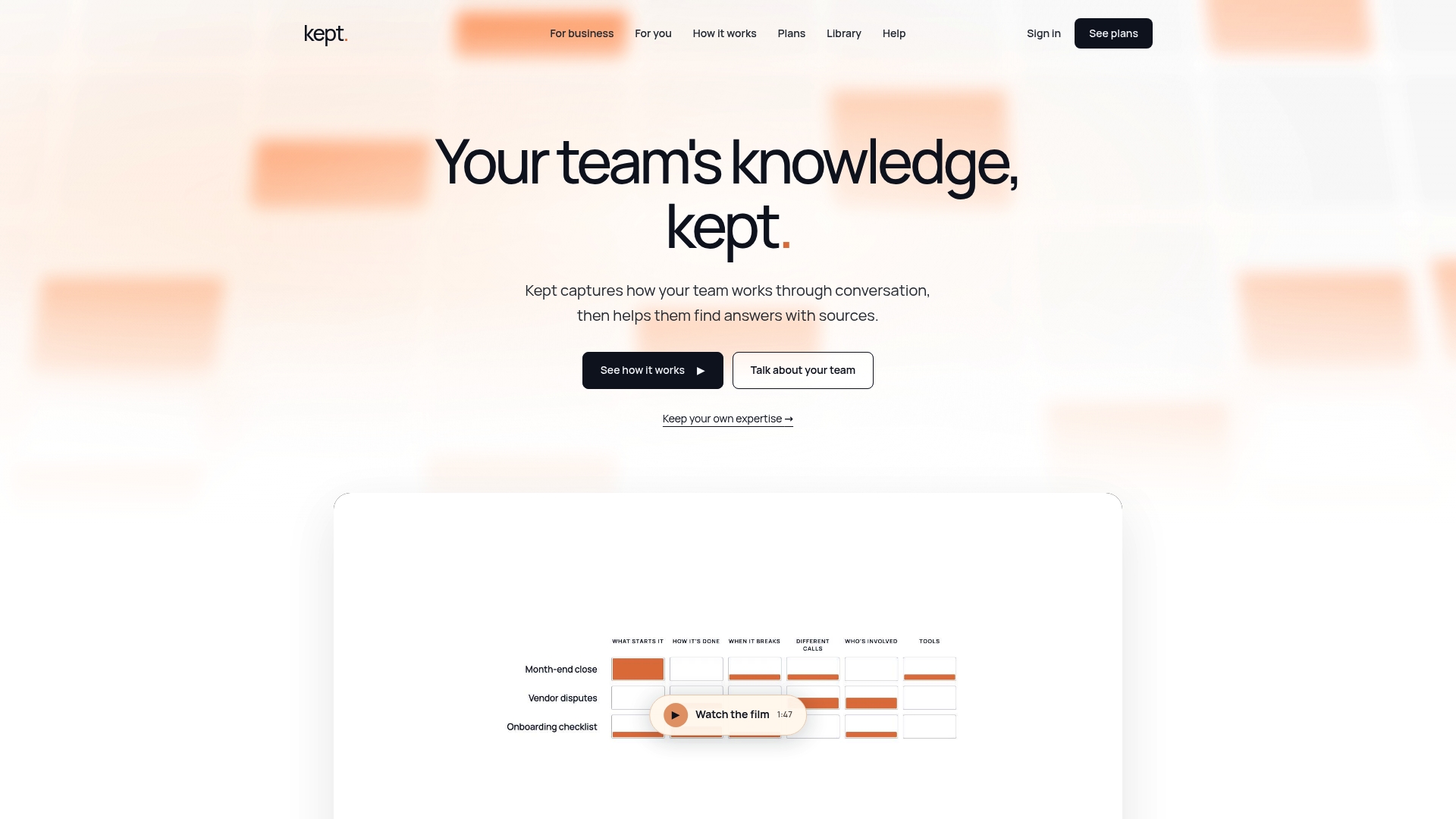
There are two plans: kept for you, for individual professionals, and kept for business, for teams. Pricing is not published, so see the pricing page for how to get started, or read more about Kept for Business.
FAQ
What is cross-training in the workplace?
It is teaching employees tasks outside their usual responsibilities so the work continues when someone is absent or leaves. They stay in their main role and gain the ability to cover specific tasks. Documentation is what makes that coverage repeatable.
What should a cross-training plan include?
A list of critical tasks, who covers each one, a skill matrix showing readiness, a record for each task with steps, exceptions and reasoning, a training method, a verification sign-off, and a review date. Start with five to ten tasks rather than the whole department.
Is cross-training mandatory?
Generally no, but some roles require documented training and evaluation, such as operating powered industrial trucks under OSHA rules. Customer contracts can also require trained backups. Check with your safety officer or an employment attorney for your situation.
How often should cross-training documentation be updated?
Whenever the process changes, and on a regular review date, commonly every six to twelve months depending on how fast the task changes. Give each record one named owner so the review does not fall between teams.
Sources
- Knowledge Management and Transfer (Cross-Train) Worksheet, University of South Carolina
- Occupational Safety and Health Training Guidelines, OSHA, 2014
- Powered industrial truck training interpretation, OSHA, 2000
- Document Approval Workflow: 5 Controls Auditors Can Trace