
Effective IT help desk documentation is concise, scannable, and owned: every article has a named steward, a review date, and fields structured so both agents and AI systems can parse it. The single most useful step you can take today is adopting a one-page template and assigning an owner to your top five ticket types. That alone fixes most of what makes documentation unusable.
TL;DR:
- Assign a named owner to each article and set review cadences of 90 days for high-traffic and 180 days for others to prevent documentation decay.
- Use standardized templates with minimal required fields for rapid, accurate article creation, especially for quick ticket notes and complex runbooks.
- Focus on documenting recurring, high-volume issues rather than rare edge cases to maximize the impact of your knowledge base.
- Ensure articles are structured with clear problem statements, exact error messages, linked related articles, and optimized for searchability to improve findability.
- Incorporate conversational, structured interviews to capture reasoning and exceptions that templates alone cannot cover, especially for AI integration and knowledge governance.
Table of Contents
- Why documentation quality determines service desk performance
- The five document types your service desk actually needs
- Templates you can paste into your knowledge base today
- Keeping documentation current: ownership and review cadence
- Writing documentation agents and end users can actually find
- Preparing documentation for agentic AI and governance
- A 90-day plan to build or fix your documentation
- What most teams get wrong about documentation effort
- How Kept fits into your documentation strategy
- FAQ
- Sources
Why documentation quality determines service desk performance
Documentation is not a filing exercise. It's the mechanism that decides whether an agent solves a ticket in three minutes or thirty, and whether a departing engineer takes their judgment with them or leaves it behind.
Clear, current articles shorten resolution time because agents stop reconstructing fixes from memory or Slack threads. They also raise deflection rates, since end users who find a workaround never open a ticket at all. When documentation is outdated or vague, the same issue gets re-solved from scratch, and tickets reopen because the "fix" never addressed the root cause.
Three metrics tell you whether documentation is pulling its weight:
- Mean time to resolution (MTTR): falling MTTR on recurring issues signals that agents are finding and trusting the right articles.
- Self-service deflection rate: the share of issues resolved without a ticket, a direct measure of whether end-user-facing docs actually work.
- Ticket reopen rate: a high reopen rate on "resolved" tickets usually points to documentation that treats symptoms instead of causes.
Structured, well-maintained technical documentation measurably improves team productivity and efficiency, according to HubSpot's guide to technical documentation. That productivity gain compounds every time a new hire relies on the same article instead of interrupting a senior engineer.
The five document types your service desk actually needs
Not every issue deserves a full article, and not every fix belongs in a quick note. Matching the format to the situation keeps your knowledge base lean instead of bloated.
- KB articles: the standard reference for common, recurring issues; written for agents and often adapted for end-user self-service.
- Runbooks: step-by-step procedures for complex or high-risk operations, typically owned by L2 or infrastructure teams.
- Ticket plays: short, tactical notes for a specific symptom-fix pairing, meant to be fast to write and fast to scan.
- SOPs: formal, auditable procedures for compliance-sensitive or ceremony-heavy processes like access provisioning or data deletion.
- FAQs: end-user-facing, plain-language answers to the questions that generate the most low-complexity tickets.
A ticket play earns promotion to a full KB article once the same fix shows up three or more times, or once it involves a step risky enough that getting it wrong causes a second incident. Below that threshold, a well-tagged ticket note is enough, and writing more is wasted effort.
Templates you can paste into your knowledge base today
A template only works if it's fast to fill out under pressure. The goal is a shape every agent recognizes instantly, not a form that takes longer to complete than the fix itself.
Here are the fields worth standardizing across every article type:
For a short ticket play, fill only title, symptoms, workaround, owner, and tags. That's enough for an agent to act in under a minute.
A full runbook needs every field, plus repro steps and rollback, because the stakes are higher: a password reset mistake is forgivable, a failed database failover is not.

Standardizing fields reduces ambiguity and speeds the conversion of tacit ticket knowledge into reusable articles, a pattern HubSpot's technical documentation guidance backs with its own stepwise authoring process. Keep required fields to the minimum that still makes an article reproducible. Every optional field you make mandatory is friction that discourages agents from documenting at all.
Keeping documentation current: ownership and review cadence
Documentation decays the moment nobody owns it. The fix isn't more writing, it's a maintenance workflow that treats articles like living assets instead of one-time deliverables.
- Assign a named owner to every article, not a team or queue. Ownership without a name is ownership without accountability.
- Set a default review cadence of 90 days for high-traffic articles and 180 days for everything else.
- Trigger an off-cycle review automatically whenever an article is linked from a major incident postmortem.
- Run a quarterly backlog triage where team leads flag orphaned articles (no recent views, no owner, or both) for merge, update, or retirement.
- Convert high-frequency ticket notes into KB articles on a weekly cadence rather than letting them pile up in a queue nobody revisits.
Before an article ships, it should pass a short quality checklist: can another agent reproduce the fix from the steps alone, is the title scannable in under three seconds, are linked configs and screenshots current, and does a workaround include a verification step so the agent knows the fix actually worked.
Pro Tip: Pair the agent who closed the ticket with the engineer who diagnosed it. The write-up takes ten minutes and captures reasoning that would otherwise disappear with the ticket.
Writing documentation agents and end users can actually find
An article nobody can find is functionally the same as an article that doesn't exist. Structure and word choice do more for findability than any tagging system layered on top of bad writing.
Every article should follow the same scan pattern: problem statement, numbered steps, a verification step, and a rollback if one applies. Agents under pressure skim, they don't read, so the first line needs to state the symptom in the exact words a user would type.
- Use the real error message, not a paraphrase, since that's what agents and search both match against.
- Include synonyms in tags, like "VPN" and "remote access," because users and agents don't always use the same term for the same problem.
- Keep titles short and literal, such as "Outlook won't sync on VPN" instead of "Email connectivity troubleshooting."
- Link related articles directly, connecting a workaround to its root-cause fix so agents don't stop at the symptom.
Pro Tip: Write the title last. Draft the fix first, then title it with the exact phrase a frustrated user would search.
Preparing documentation for agentic AI and governance
Agentic AI changes what "good documentation" means. An article that's readable to a human but ambiguous about scope or preconditions is a liability once an autonomous agent starts acting on it instead of just surfacing it.
Agentic knowledge requires defined scope, explicit preconditions, specified outcomes, and human ownership before it's exposed to autonomous agents, according to PeopleCert's guidance on knowledge management in the age of agentic AI. In practice, that means every article an agent can act on needs a stated escalation threshold: the point past which the agent must hand off to a human instead of guessing.
- Set a quality threshold before exposing any article to an AI agent: ownership, review date, and explicit escalation criteria are non-negotiable.
- Treat agent errors as a knowledge signal. When an AI agent resolves something incorrectly, trace the failure back to the article, its last update, and its owner.
- Use AI for discovery and gap analysis, flagging stale or unowned articles, but keep a human validating any AI-drafted content before publication.
PeopleCert's research on generative AI in knowledge management frames this shift clearly: the knowledge manager's job is moving from authoring articles to governing what AI generates, since confident-sounding AI drafts can still be wrong.
A 90-day plan to build or fix your documentation
Most teams don't need a year-long knowledge management overhaul. They need a focused sprint that fixes the highest-impact gaps first.
- Phase 0 (weeks 1 to 2): Audit. Pull your top 20 ticket categories by volume and map which ones have an article, an owner, both, or neither.
- Phase 1 (weeks 3 to 5): Fix the top five. Rewrite your five highest-volume ticket plays using the standard template, and assign a named owner to each.
- Phase 2 (weeks 6 to 9): Convert incidents to runbooks. Take your last six months of major incidents and turn the postmortems into runbooks with rollback steps.
- Phase 3 (weeks 10 to 13): Governance and dashboards. Set review cadences, publish an ownership list, and stand up a simple dashboard tracking MTTR, deflection rate, and reopen rate by category.
Quick wins that pay off immediately: pin your top ten articles inside the ticketing UI so agents see them before searching, embed a documentation template directly into your ticket creation flow, and pair a senior engineer with an agent for the first few conversions so tone and depth stay consistent.
Pro Tip: Track MTTR and reopen rate weekly during the rollout. Review deflection rate and backlog size quarterly, since those move more slowly and react to seasonal ticket patterns.
Embedding links to product documentation directly in the product UI, and using consistent headings and tags across articles, are both practices HubSpot's documentation guidance identifies as high-impact for searchability.

What most teams get wrong about documentation effort
The biggest mistake isn't under-documenting, it's documenting the wrong things thoroughly. Teams write exhaustive SOPs for rare edge cases while their top five recurring issues stay undocumented because "everyone already knows them." Nobody stays in a role forever, and tribal knowledge about the five most common tickets evaporates the same way knowledge about rare ones does.
Prioritize by impact times frequency, not by what feels important to document. A low-frequency, high-impact outage runbook matters, but a high-frequency, medium-impact ticket play saves more aggregate hours. The second failure mode is the orphaned article: comprehensive, well-written, and owned by nobody after a reorg. An article without a named owner is already decaying, whether or not anyone has noticed yet.
— Anthony
How Kept fits into your documentation strategy
Templates and governance solve half the problem. The other half is that most valuable knowledge never makes it into a template at all, because the person who knows the fix doesn't have time to write it up, and the parts that matter most are the exceptions and judgment calls that don't fit a form.
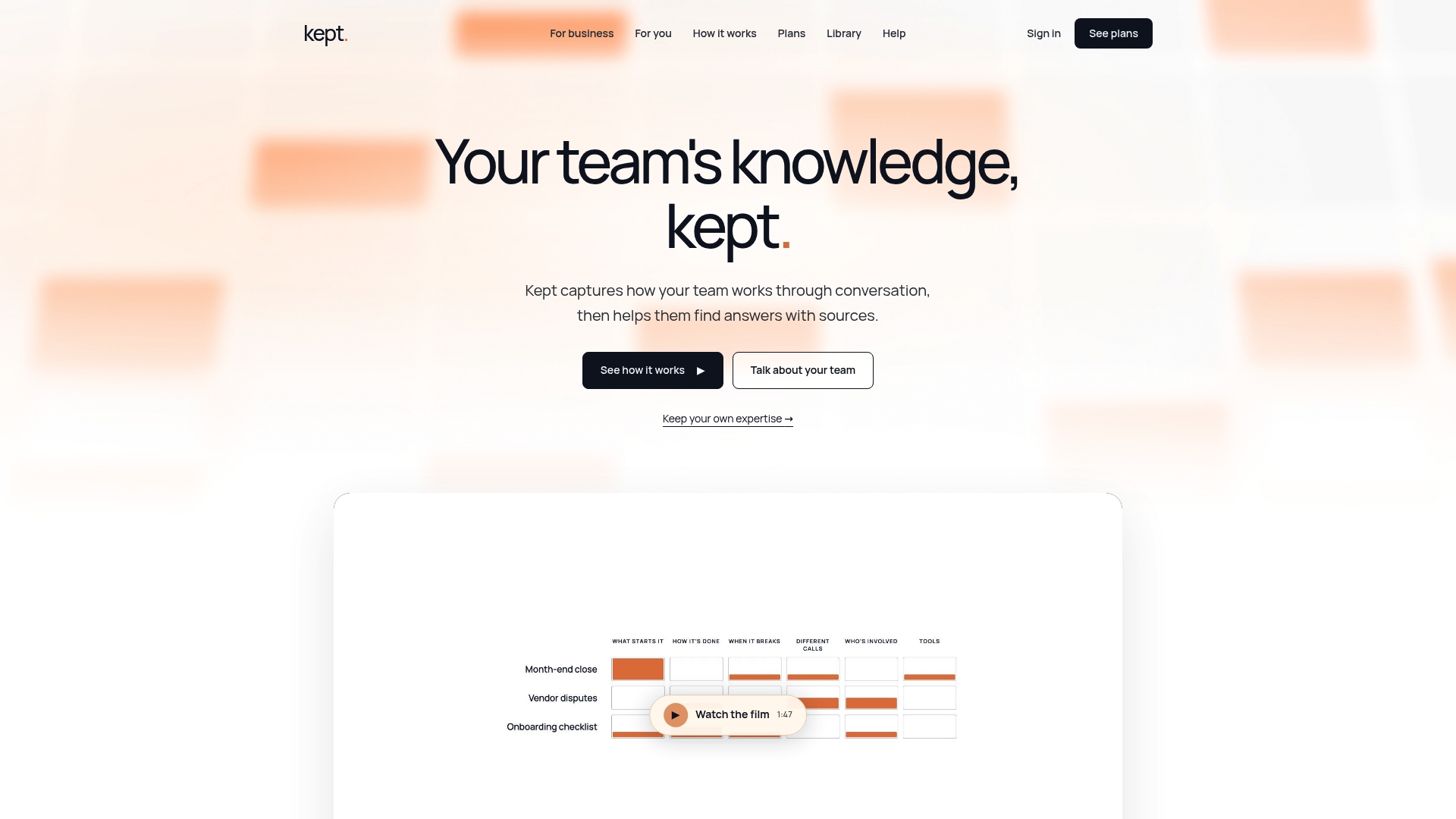
That's the gap a conversational approach is built for. Instead of asking engineers to write, an interview captures how someone actually makes a decision, not just the steps they'd list if asked to summarize it. This conversation is structured into a workspace that can be searched, with access controls to keep sensitive context secure.
- Guided interviews capture reasoning and exceptions that templates alone tend to miss.
- Workspace-level access controls let you decide who sees what, with opt-in capture and deletion on request.
- Context-aware search surfaces the right answer with its source, not just a list of loosely related articles.
| Situation | What slows teams down | Where this approach helps |
|---|---|---|
| Frequent handoffs | Context lives in one person's head | Captures reasoning before it's lost |
| New hire onboarding | New hires re-ask the same questions | Gives them searchable answers with context |
| Distributed expertise | Tacit knowledge scattered across teams | Centralizes it without demanding write-ups |
If writing has been the bottleneck in your documentation plan, explore Kept for Business or check pricing for Kept for You and Kept for Business to see which workspace fits your team.
FAQ
What are the best practices for an IT help desk?
The core practices are a named owner per article, a fixed review cadence, and templates standardized across ticket plays, runbooks, and KB articles. Teams that track MTTR, deflection rate, and reopen rate catch documentation decay before it affects service levels.
What are the four types of documentation?
Help desks typically rely on KB articles for recurring issues, runbooks for complex or risky procedures, SOPs for compliance-sensitive processes, and FAQs for end-user self-service. Ticket plays are a fifth, lighter-weight format many teams add for fast, tactical notes.
What are the top 10 most common help desk issues?
The exact list varies by organization and industry, so there's no single universal ranking. Most service desks find that password resets, VPN or remote access problems, email sync issues, printer connectivity, and software installation requests dominate ticket volume, which is why these categories should be documented first.
Can you give me an example of a help desk?
A help desk is the function (and often the team) that handles IT support requests, ranging from password resets to outage triage, usually through a ticketing system. Internal IT support desks, software vendor support lines, and managed service provider help desks are all common examples of the same underlying function.
How do I keep documentation useful as AI agents start using it?
Give every article a defined scope, explicit preconditions, and a clear escalation threshold before letting an agent act on it, rather than just a human-readable fix. PeopleCert's guidance on agentic AI and knowledge management treats this structure, plus named ownership, as a prerequisite for safe machine consumption.
Sources
- Knowledge management in the age of agentic AI (PeopleCert ATV)
- How to Create Technical Documentation in 8 Easy Steps (HubSpot Blog)