
Audit trail documentation, in the sense that matters for onboarding and continuity, means conversationally captured decision traces: a record of what someone did, why they did it, and what exception they made along the way. The bottom line action is simple. Start capturing the trigger, context, reasoning, exception, approval, and outcome behind everyday decisions, confirm each one with a quick human check, and treat that record as living memory rather than a one-time write-up. A platform designed for guided capture supports this kind of conversational documentation.
TL;DR:
- Capturing decision traces in real time using short prompts ensures accuracy without extra workload, especially for recurring judgment calls.
- Using a consistent template covering trigger, context, reasoning, exception, approval, and outcome helps make traces searchable and trustworthy during onboarding.
- Limiting initial pilots to two or three workflows over eight weeks avoids overcapture and ensures traces are relevant and used for training new hires.
- Role-based access and employee consent are essential for maintaining trust and preventing the audit trail from becoming noise or liability.
- Confirming ambiguous traces with human input and referencing system records improve the quality and utility of the knowledge captured.
Table of Contents
- What Audit Trail Documentation Actually Covers
- Why It Matters for Onboarding and Workforce Resilience
- How to Capture Decision Traces Without Adding Work
- Governing the Record So It Stays Trustworthy
- Rolling Out a Pilot: Weeks 1 Through 8
- Why Most Documentation Efforts Miss the Point
- A Practical Next Step With Kept
- Sources
- FAQ
What Audit Trail Documentation Actually Covers
This is not the tamper-evident, time-stamped logging that IT security teams maintain for compliance audits. That is a different discipline with a different purpose. What we mean here is closer to oral history: a structured record of judgment calls, captured in the employee's own words, so the next person doesn't have to reconstruct that judgment from scratch.
A useful record has six parts, sometimes called a decision trace:
- Trigger — what prompted the decision (a customer email, a system alert, a recurring deadline)
- Context — the situation surrounding it (account history, team constraints, timing pressure)
- Reasoning — why this path was chosen over the obvious alternative
- Exception — how this case departed from the standard procedure, and why
- Approval — who signed off, or whether it was made independently under existing authority
- Outcome — what actually happened once the decision was executed
Individually, each trace is a small note. Linked together over time, they form what Superkind calls a context graph, a queryable map of precedent that a new hire or an AI assistant can search instead of interrupting a busy colleague.
Why It Matters for Onboarding and Workforce Resilience
Most institutional knowledge lives in one person's head, and that person eventually goes on vacation, changes teams, or leaves. Conversational capture spreads that knowledge across the organization instead of trapping it with an individual.
The Democratization Effect: Research from Microsoft in 2025 found that AI-assisted capture of tacit knowledge reduces single-person dependency and measurably improves workforce resilience, because the reasoning behind decisions becomes accessible to anyone who needs it, not just the person who made the call.
That resilience shows up fastest during onboarding. New hires stop guessing why a process bends in certain cases, because the exception and the reasoning behind it are already written down in plain language. It also shows up during turnover. The Wyoming Department of Transportation pilot combined mentorship, a chatbot, and iterative validation to pull tacit knowledge out of retiring staff, and found the approach produced a usable, referenceable knowledge base rather than a stack of forgotten binders.
How to Capture Decision Traces Without Adding Work
The failure mode most HR teams hit is treating documentation as a separate project. It becomes a quarterly scramble, everyone hates it, and it goes stale within weeks. Capture instead has to happen inside the work people are already doing.
- Prompt in the moment. A short conversational question right after a decision beats a documentation sprint months later. "What made this one different?" captures more truth than any retroactive form.
- Accept whatever format is fastest. Voice notes, meeting recap snippets, and even a rough diagram all count as valid input. Multimodal capture matters most in operational roles where the real logic lives in a flowchart, not a paragraph.
- Use a template built around the six trace elements. Trigger, context, reasoning, exception, approval, outcome. A consistent shape makes traces easier to search later and easier for someone else to trust.
- Confirm ambiguous captures with a single question. When an AI system guesses at a trace, it should ask something as narrow as "Was this a one-off, or a new rule for this account?" One sentence from a human converts a guess into durable precedent, which is the core of human-in-the-loop design.
- Tag and link everything back to systems of record. A trace that references the CRM record or ticket number it came from is far more useful during onboarding than one floating in isolation.
Pro Tip: Don't wait for a "big" decision to prompt someone. The small, recurring judgment calls, like which exceptions get waived and when, are exactly the ones new hires struggle with most, and the ones veteran employees forget they even had to learn.
Tools built for guided interviews, like AmmarAI's context-aware chat, show how conversational interfaces can hold context across a session instead of treating each question in isolation, which is the same principle that makes decision-trace capture work at scale.
Governing the Record So It Stays Trustworthy
Capture is only half the job. Without governance, a growing archive of decision traces turns into noise nobody trusts, or worse, a liability.
- Role-based access. Not every trace belongs in front of every employee; sensitive HR or compensation decisions need narrower visibility than a general process note.
- Consent by default. Employees should know when a conversation is being captured and have a clear way to review or delete their own contributions, a principle Kept builds into its recording and consent approach.
- Versioning and attribution. When a trace gets corrected, keep the history rather than overwriting it silently, so anyone reviewing later can see who changed what and why.
- Lightweight quality metrics. Track coverage (percent of critical workflows with a recent trace), confirmation rate (percent of AI-guessed traces a human actually confirmed), and reuse rate (how often traces get pulled up during a new hire's first 90 days).
None of this needs to be heavy. A monthly fifteen-minute review by a team lead, checking a handful of new traces for accuracy, does more good than an annual audit nobody has time for.
Rolling Out a Pilot: Weeks 1 Through 8
Treat your first attempt as a pilot, not a company-wide rollout. Scope matters more than speed here.
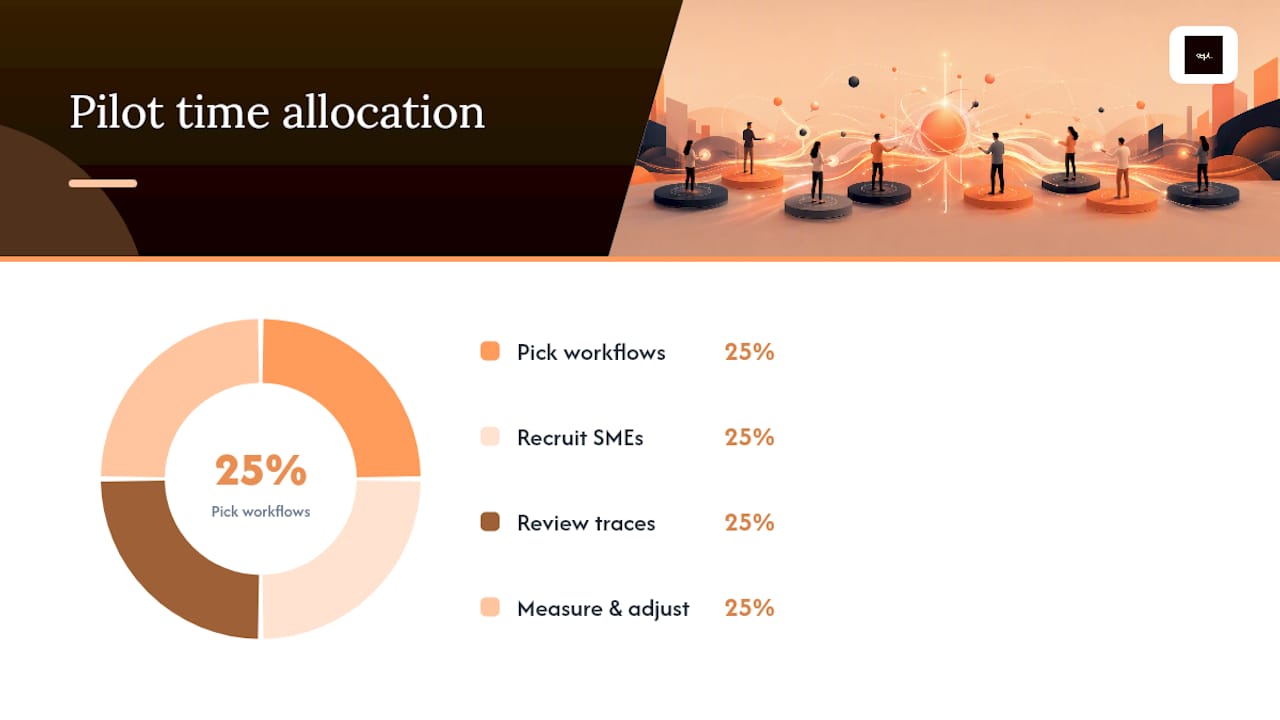
- Weeks 1 to 2: Pick two or three workflows. Choose ones with real onboarding pain, frequent exceptions, or an employee nearing retirement or transition.
- Weeks 3 to 4: Recruit subject-matter experts. Ask two or three experienced employees per workflow to narrate decisions as they happen, using short prompts rather than long interviews.
- Weeks 5 to 6: Run human-in-the-loop review. Assign someone, often a team lead, to confirm or correct captured traces within 48 hours, before memory of the decision fades.
- Weeks 7 to 8: Measure and adjust. Check coverage, confirmation rate, and how often new hires actually referenced a trace during onboarding tasks, a KPI structure that mirrors what the WYDOT pilot tracked to validate its own results.
Pro Tip: Watch for overcapture before you scale. If subject-matter experts start logging routine, no-exception decisions just as thoroughly as the genuinely tricky ones, engagement drops fast and the good traces get buried under noise.
Scale only once confirmation rates are healthy and at least one team has used a trace to onboard someone without pulling in the original expert. Common pitfalls at this stage include missing context on older traces, low participation from SMEs who feel it is extra work, and asking for traces on decisions too routine to be worth the effort.
Why Most Documentation Efforts Miss the Point
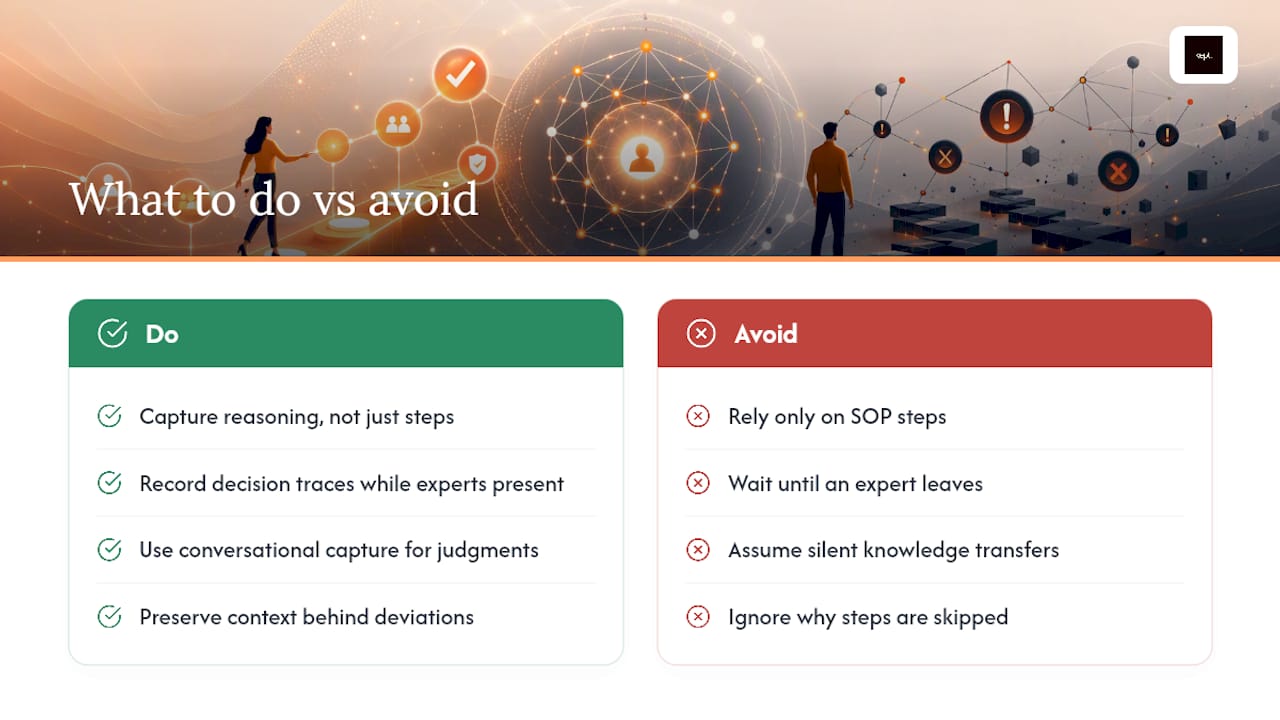
Most companies already have plenty of documentation. What they don't have is the reasoning behind it. A standard operating procedure tells a new hire what step comes next. It rarely tells them why the procedure bends for a particular client, or why an experienced employee routinely skips step four under certain conditions. That gap is exactly what conversational capture is built to close, a point we explored in more depth.
The uncomfortable truth is that most "knowledge transfer" plans fail quietly, not dramatically. Nobody notices the gap until the expert has already left and a new hire hits the same judgment call with none of the context. Capturing decision traces while people are still around costs almost nothing compared to the cost of relearning that judgment from scratch.
— Anthony
A Practical Next Step With Kept
Some platforms exist because writing things down after the fact rarely captures why a decision got made, only that it did. They turn guided conversations into structured decision traces, using the trigger, context, reasoning, exception, approval, and outcome elements described earlier, and confirm ambiguous cases with a human before they get treated as precedent.
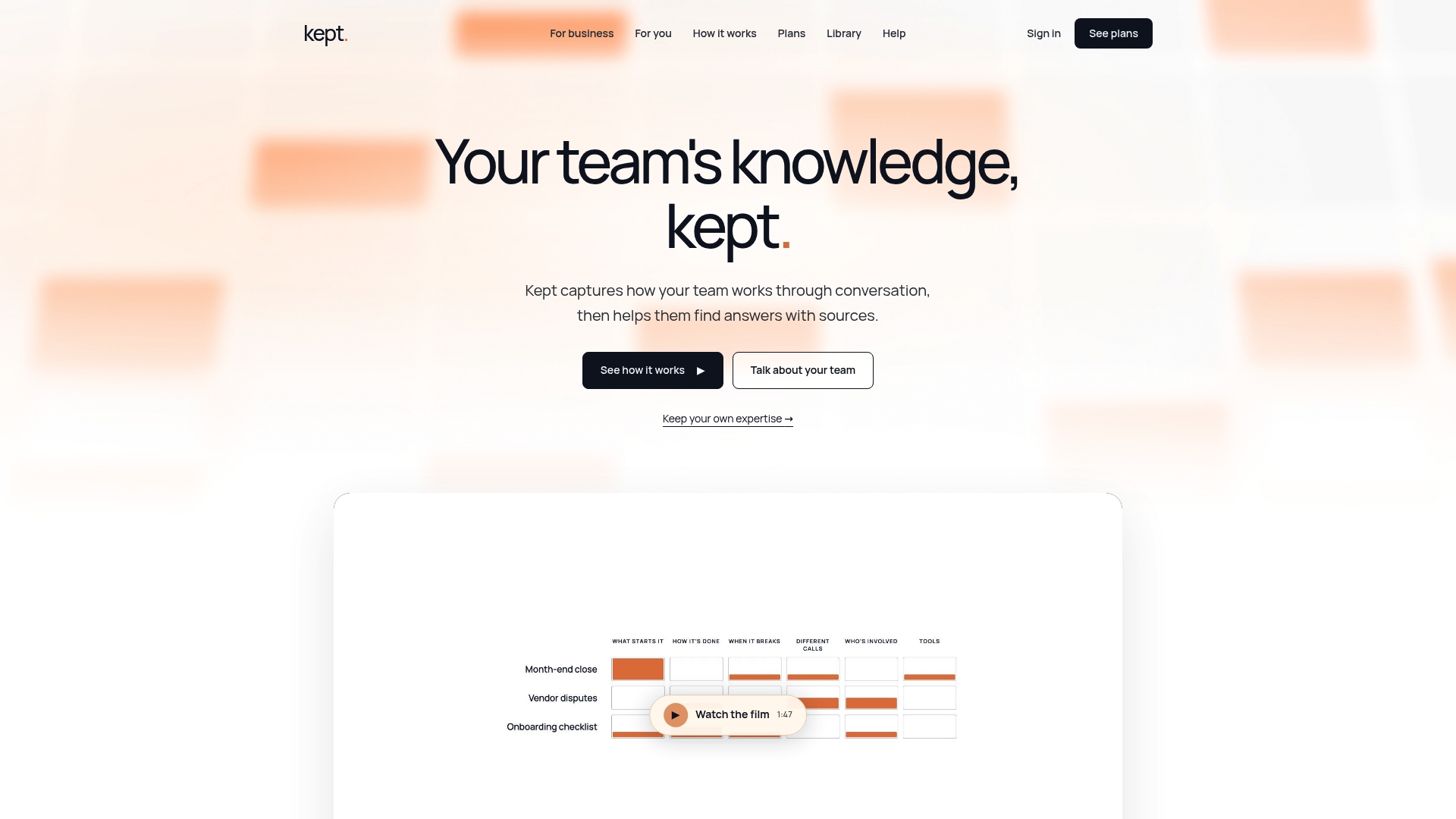
If you manage a team where one or two people quietly hold most of the operational judgment, start with Kept for Business to see how workspace-level capture and access controls work for teams. If you want to see how this plays out for a specific function first, the HR and people team walkthroughs show three concrete use cases rather than a generic pitch. Either page gives you a clear next step: a short look at how guided capture fits your actual workflows before you commit to anything.
Sources
- AI and the democratization of knowledge work | Microsoft Research
- The Context Graph: Why Recording Outcomes Is Not Enough - and How a Company Brain Captures the Reasoning Behind Every Decision | Superkind
- Human-in-the-loop | IBM
- Mitigating Employee Turnover and Enhancing Knowledge Retention at WYDOT
FAQ
What Is Audit Trail Documentation in an HR Context?
It refers to conversationally captured decision traces, records of what an employee did, why, and under what exception, rather than tamper-evident system security logs.
What Are the Six Elements of a Decision Trace?
Trigger, context, reasoning, exception, approval, and outcome, a structure described in Superkind's context graph model.
How Does Human-in-the-Loop Review Improve Audit Trail Quality?
It lets a person confirm or correct an AI-guessed trace with one quick answer, turning ambiguous captures into reliable precedent, per IBM's HITL guidance.
How Long Should a Pilot Audit Trail Documentation Program Run?
Roughly eight weeks: two weeks to select workflows, two to recruit subject-matter experts, two for human-in-the-loop review, and two to measure results before deciding whether to scale.
Can a Tool Like Kept Help Maintain Audit Trail Documentation?
Yes. Kept uses guided, conversational interviews to capture decision traces in an employee's own words, with human confirmation steps built into the workflow, an approach detailed on its security page.